Hi Arun,
Your suggestion did not fix my issue as I wanted the pdf to fit the screen.
But once I saw that using pixels indeed had effect, that gave me direction for a fix.
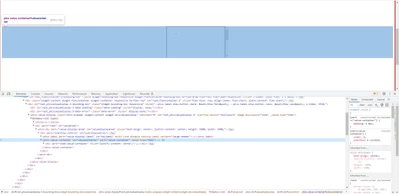
The problem is the widget placing the iframe inside a span, for some reason by default it is not 100%.
a little custom css did the trick and for others I will post it below.
.screen-100 .widget-ptcsvaluedisplay::part(item-value) {
width: 100%;
height: 100%;
}
.screen-100 .widget-ptcsvaluedisplay::part(item-value-container) {
width: 100%;
height: 100%;
}
.screen-100 .widget-ptcsvaluedisplay::part(value-container) {
width: 100%;
height: 100%;
}
.screen-100 .widget-ptcsvaluedisplay::part(overflow-control) {
width: 100%;
height: 100%;
}
"screen-100" is the custom css name placed in the widget CustomClass property.
Best Regards,
Tomer.