

1-Visitor
August 29, 2017
Solved

Where can I find the Thingworx War file for training?

  • August 29, 2017
  • 3 replies
  • 3971 views

I am currently completing the 'Introduction to Thingworx' Training on Precision LMS.

The content just begins with a Thingworx instance already up and running and the only installation details, that I can find in the Lab files, is a document with info on installing Tomcat & Java, and a link to this video.

I believe I have correctly installed Java and Tomcat, but now I am looking for a Thingworx.war file to deploy. I have included an image of what was included in the training lab files, and there isn't anything applicable.
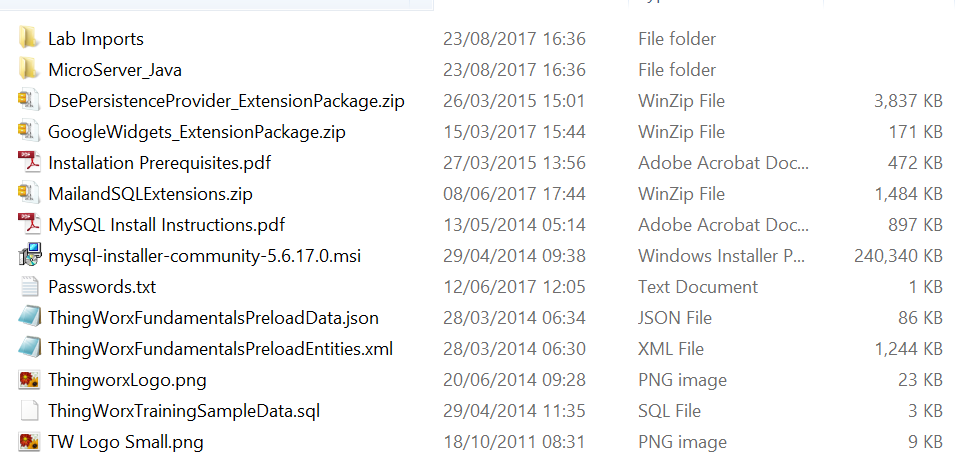
Lab Files.PNG

I have looked on the Thingworx downloads page, but am unsure which is the correct download for the war file.
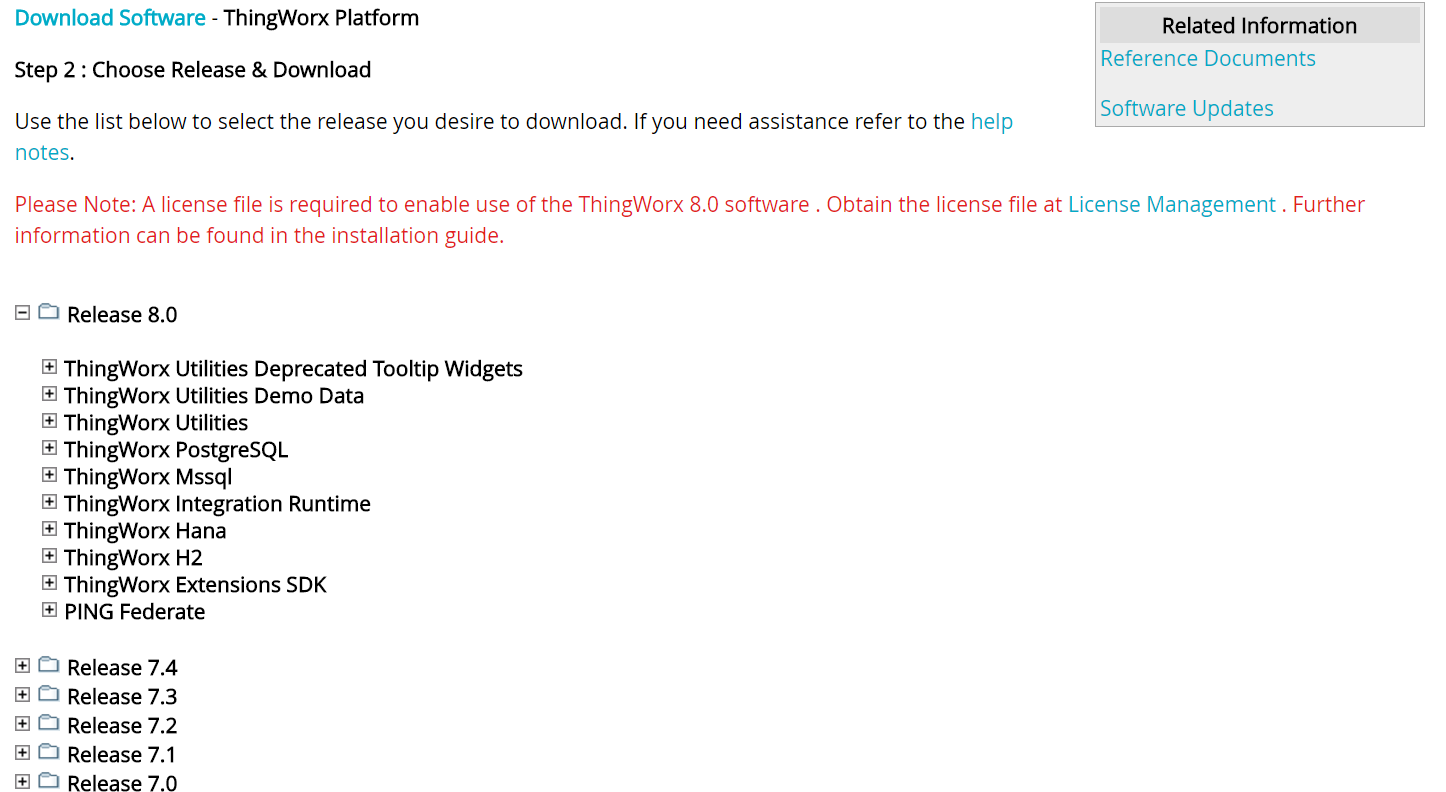
ptcdownload.PNG

I'm not looking to setup a production environment, just to locally install Thingworx on my Windows machine in order to complete the training.

If anyone could tell me if/where I need to look, any help would be much appreciated.

Many Thanks,

Best answer by maglietti

If you are just starting with ThingWorx, we recommend that you start with the content on the developer portal.

Set up an account here: https://developer.thingworx.com

The dev portal will host the Foundation Trial Edition server for you in AWS to use for 30 days. Or, if you prefer, you can download the trial edition to use locally. The trial edition is a fully featured version of ThingWorx that is constrained for evaluation use. It will allow you to develop in the environment for 120 days.

If you are new, I recommend starting with the ThingWorx Foundation Quickstart.

-- Michael Aglietti

VP, ThingWorx Developer Program

3 replies

1-Visitor
August 29, 2017

Setup local PostgreSQL and download Thingworx 7.3(no licensing hassle) for PostregreSQL.

On that support page is also Reference Documents section, where you can find complete installation guide.

maglietti5-Regular MemberAnswer
5-Regular Member
August 29, 2017

If you are just starting with ThingWorx, we recommend that you start with the content on the developer portal.

Set up an account here: https://developer.thingworx.com

The dev portal will host the Foundation Trial Edition server for you in AWS to use for 30 days. Or, if you prefer, you can download the trial edition to use locally. The trial edition is a fully featured version of ThingWorx that is constrained for evaluation use. It will allow you to develop in the environment for 120 days.

If you are new, I recommend starting with the ThingWorx Foundation Quickstart.

-- Michael Aglietti

VP, ThingWorx Developer Program

5-Regular Member
February 27, 2018

I have followed this guide: 

https://developer.thingworx.com/resources/guides/thingworx-8-installation/thingworx-8--installation-windows

works perfectly for me! Now i'm having trouble and thinking about the lab files that was included in the zip file. 


I will try to install the MySQL and see if all will be settled at the end...