Question
Setting up your company's Chalk users as Hosts
To set up Chalk users with Host privileges, follow these steps.
1. Log in to the Chalk Admin Center. (You must be a Business Admin for your organization.)
2. Add new user.
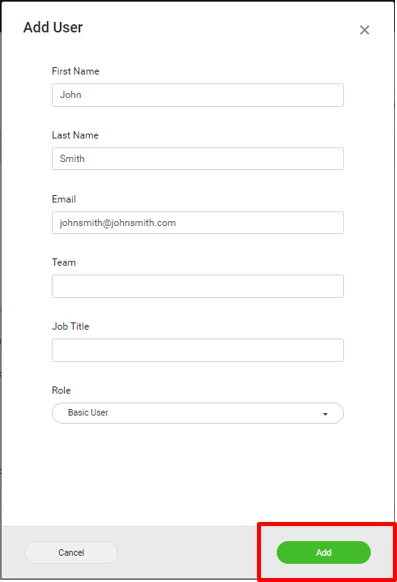
3. Fill out new user information and click ADD.
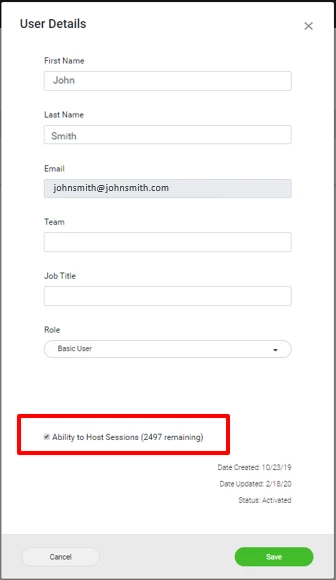
4. Click on user profile after they are added and check “Ability to Host,” then Save.