Hi @dsgnrClarK ,
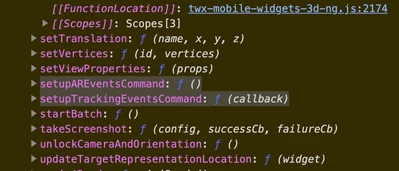
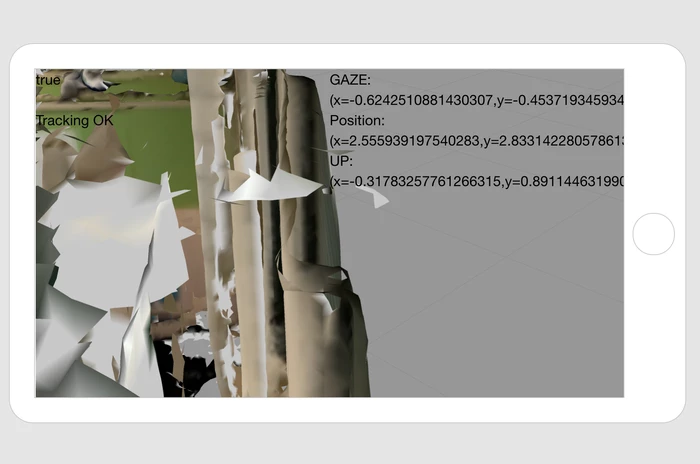
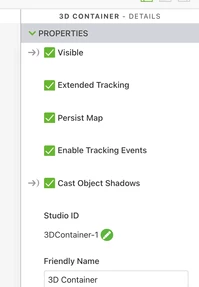
possibly you can activate the tracking event and check the device position, up and gaze vectors. So you could calculate the vector distance to another object (widget) .Some code like thiis:
$rootScope.$on('tracking', function( tracker,fargs ) {

 console.warn(tracker);console.warn(fargs);//some info about the arguments
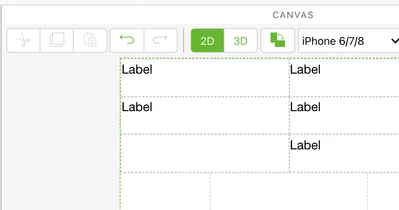
 $scope.setWidgetProp("label-3","text","GAZE:(x="+fargs.gaze[0]+",y="+fargs.gaze[1]+","+fargs.gaze[2]+")");
 $scope.setWidgetProp("label-4","text","Position:(x="+fargs.position[0]+",y="+fargs.position[1]+","+fargs.position[2]+")");
 $scope.setWidgetProp("label-5","text","UP:(x="+fargs.up[0]+",y="+fargs.up[1]+","+fargs.up[2]+")");
$scope.$applyAsync();
})


$scope.$on('$ionicView.afterEnter', function() {
 /****************************+
tml3dRenderer.setupTrackingEventsCommand (function(target,eyepos,eyedir,eyeup) {

 $scope.view.wdg["label-3"]['text']= JSON.stringify(target)
})
 **********/
$timeout(console.warn(tml3dRenderer),1500)

})

///////////////////////
$scope.app.trackingLostMessage=function(){
 $scope.setWidgetProp("label-2","text","Tracking LOST");
$scope.$applyAsync();
 }
$scope.app.trackingMessage=function(){
 $scope.setWidgetProp("label-2","text","Tracking OK");
$scope.$applyAsync();
 }
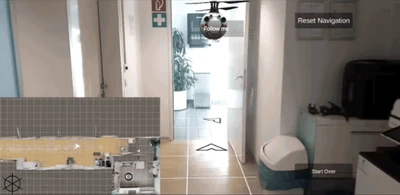
If you want to have the arrow leading path - I think this could be done with the one of the methods of tml3dRenderer where we have also to feed with the symbol which should be displayed so far I remember.