Hi @agangaiah ,
the following script could be used to start 2 sequences on video widget (named here in my example 'video-1')
Because I have also a 3d model I started the code first when the model is loaded but you can call it also in other event (for 2d elements only you can use also :
$scope.$on('$ionicView.afterEnter', function() { ....})
The sample code will start the first video sequence which is uploaded to the project upload folder and will play it
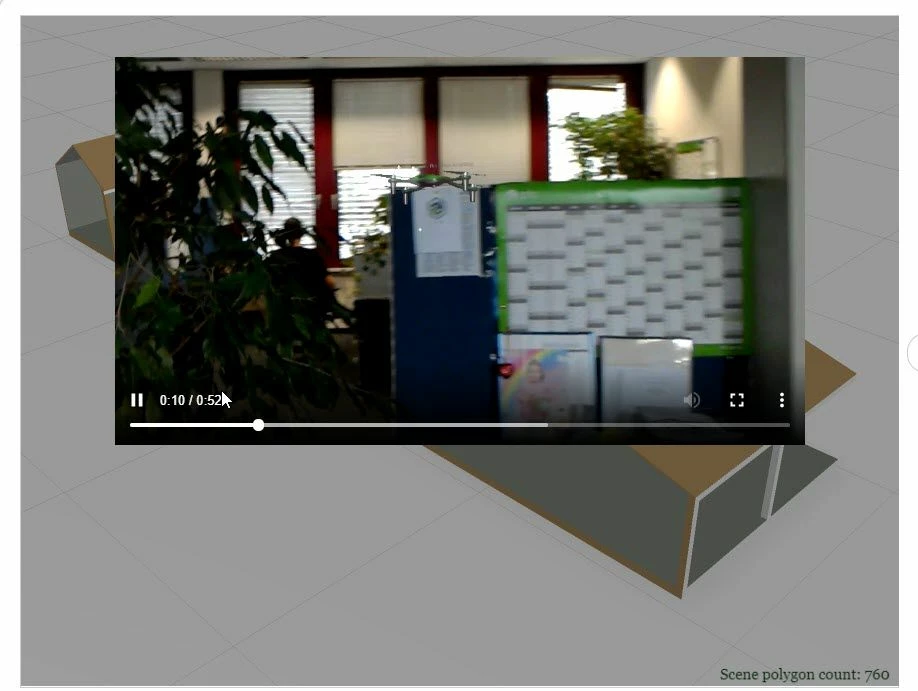
The it will wait 20 secs and will play the second video. Here the call are asynchronous and will possibly interrupt the playing sequence if the timeout is shorter. Here the code:
// call this event after model was loaded - complette
$rootScope.$on('modelLoaded', function() {
var url_source= "app/resources/Uploaded/for_PTC.mp4";
var videoName="video-1";
console.warn($scope.view.wdg[ videoName] )
var wdg = angular.element(document.querySelector('twx-widget[widget-id=\"'+videoName+'\"] video'));

 console.warn(wdg)
 console.log('modelLoaded')
 wdg[0].src=url_source;
 wdg[0].play();

 $timeout(function () {
 url_source= "app/resources/Uploaded/20180905_055304_HoloLens.mp4";
 wdg[0].src=url_source;
 wdg[0].play();

 }, 20000); // call after 20 secs
})


