Hi @Wes_Tomer ,
the only PTC public source I know is the Creo Illustrate Help. Of course, there could be some videos or tutorial but mostly provided by some specific training offers. My be a good idea to look on YouTube for some free tutorial videos
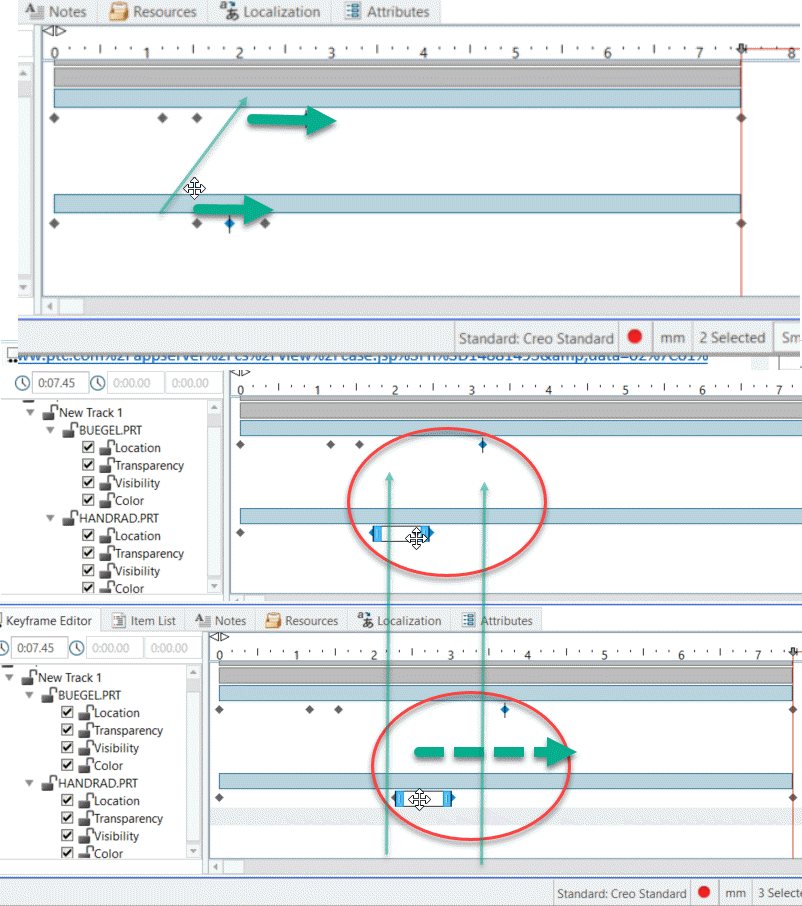
With Creo Illustrate 5.1 is this so far, I see no problem. You can select more than one parts:
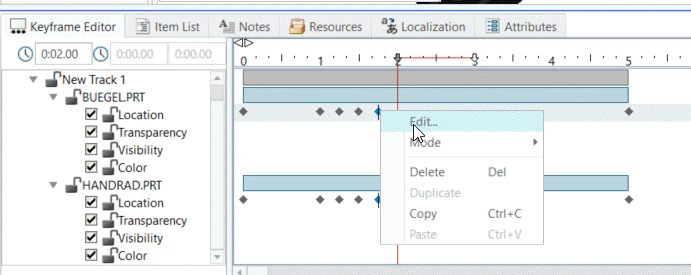
So, you have to expand it in the keyframe editor tree and select more than one parts and the specific time point holding the Strg (Ctrl) key and RMB and Edit:
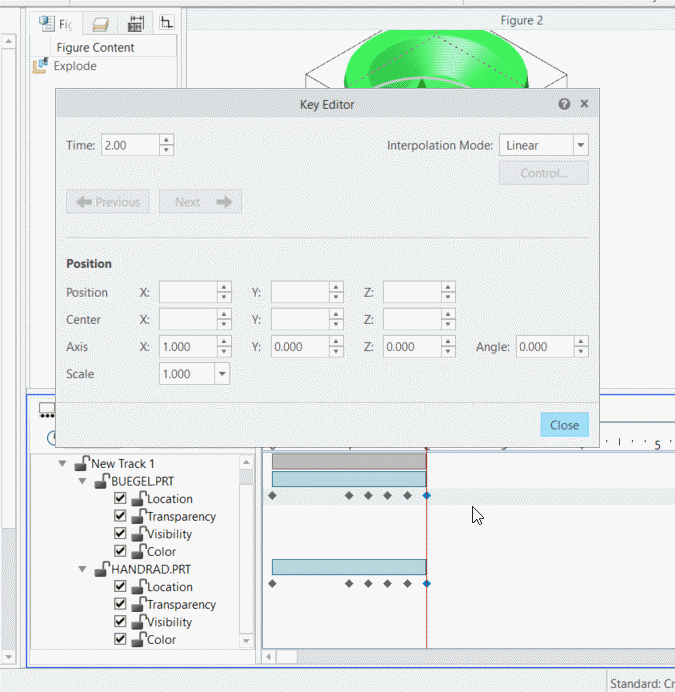
Here above is an example for edit. But also delete will work for more selected parts. I tested with 2 parts - it was no problem to delte points and to expand them.
So you have to expand it in the keyframe editor tree and slect more then one parts and the specific time point holding the Strg (Ctrl) key and RMB and Edit:
And then you will see the edit dial box. It will show only the common properties for all selected parts:
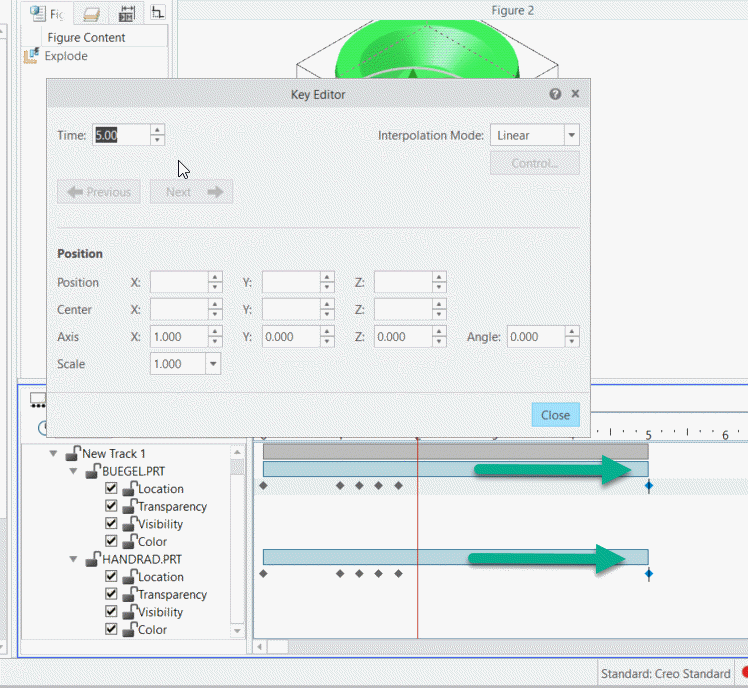
It is easier when we want only to extend the time bar. So we select the time bars for many parts am move the start or the end of it to delta value - so means e.g. when they do not finish on the same time all will be extended by e.g. 3 sec
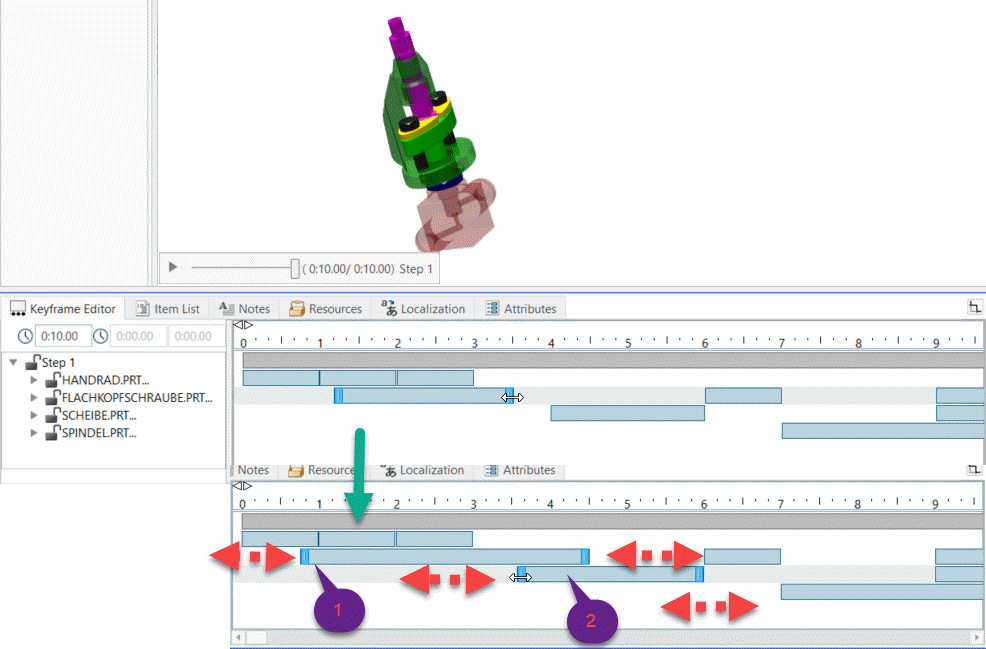
When we manipulate more than one selected part - in this case this creates a track containing all parts. We can move the time bar for the whole track, but here we have to pay attention that it will scale all events. Means if we extend the track with factor 2 - all events will be scaled by this factor:
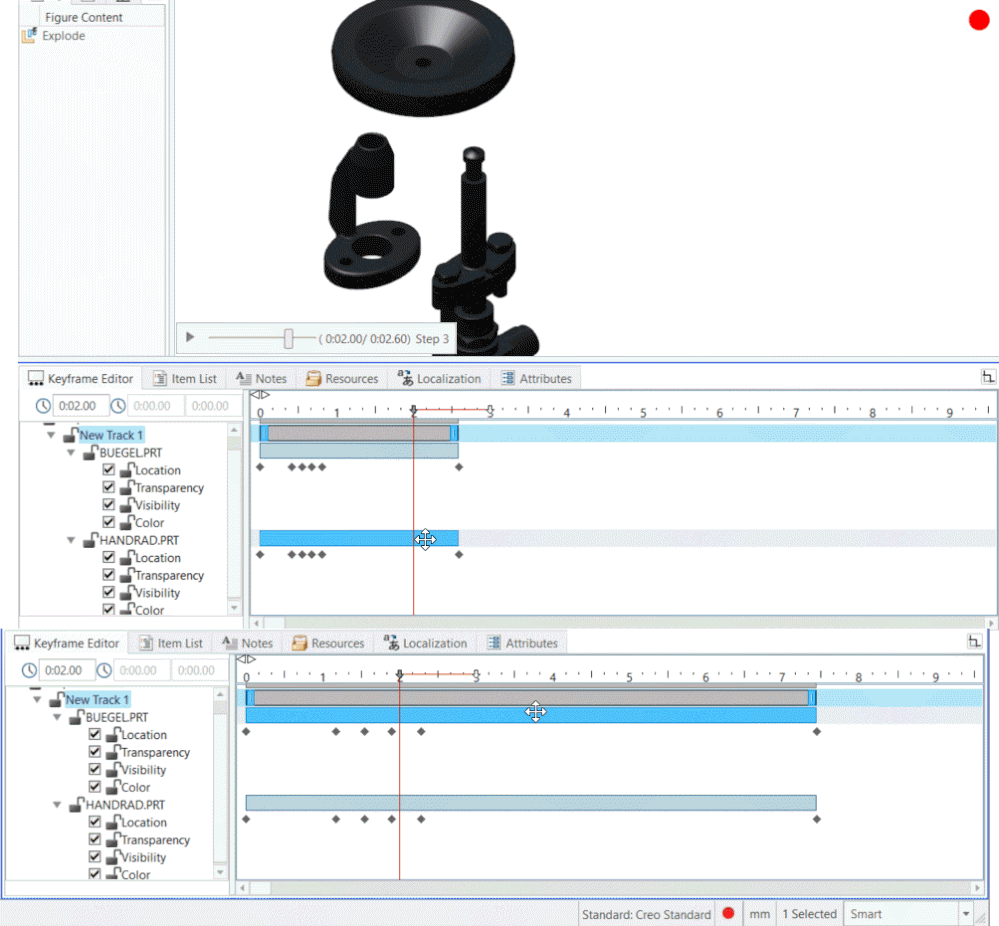
Here below is an example where we can move more than one points which are for different events. Also, we can move a point with the complete time bar of another component but this is more restrictive and not always make sense: