

How I can keep waypoints linked to 3D model after reopening project with reloaded 3d file ?
I have an issue with Waypoints. I work on one 3d model in Creo Illustrate and Vuforia Studio ( I don't add any extra parts ) and I don't change the actual location for my 3d model in animation. The only change in my updated file is an extra figure with fading or flashing parts. If I add an extra figure to my sequence and then import an updated file to Vuforia Studio and then reopen Studio project my waypoints are moved to the wrong location and I need to put them back one by one.
My project contains ~15 views with wayfinders ( 25 waypoints on each). This is a lot of extra work for little change/update/ progress.
This is what happens with waypoints on my screen.
1- before re-uploading 3d file to VS project
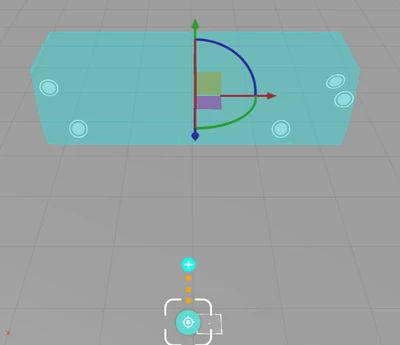
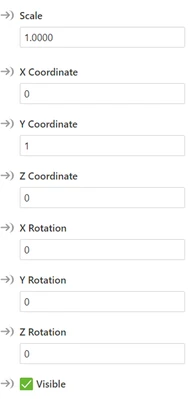
2 -after reuploading 3d file and reopening my Vuforia Studio project
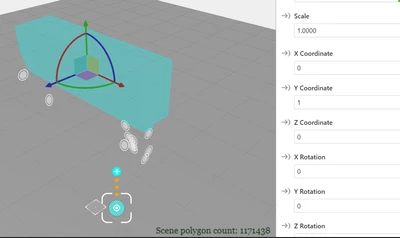
Please advice solution that will help me to keep the waypoints on same location after updating and reopening the Studio Project.