

5-Regular Member
November 2, 2017
Question

How to increase the opacity of big models

  • November 2, 2017
  • 1 reply
  • 1933 views

Hello,

i created an experience in which you are able to see an augmented version of a pump station from a balcony.

I am having the issue now that the big model lacks opacity and is nearly transparent. (You can see it in the video that the big model looks pale, while the downscaled version seems more opaque)

Video:

Video Link : 2104

Has someone encountered the same problem or does someone know a way to fix this issue?

Model Properties are:
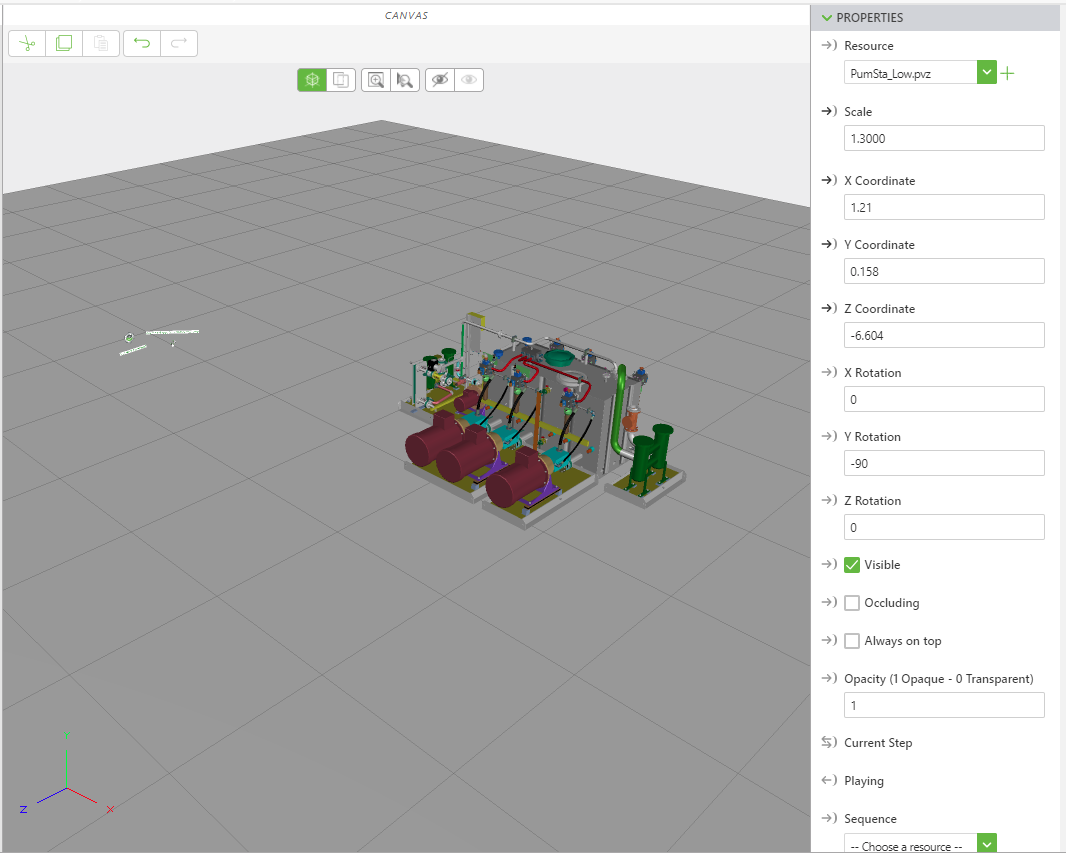
GalleryView.PNG

Thank you and kind regards,

Jan-Hendrik

1 reply

1-Visitor
April 26, 2018

Experiencing the same problem with larger 3D-models on the HoloLens. The model is only visible where the virtual light source shines light on it. (The bright spots on the 3d-model.) The surrounding area just fades into nothing.

Using a model item to change the color didnt generate better results. (tried white, red, blue, green)


The model has been imported to Creo Parametric as STEP and exported as .pvz.

I am using version 8.2.2.3099 of thingworx studio.


Could someone please take a look at this?


model.JPG