

1-Visitor
August 9, 2019
Solved

Modifing data from Thingworx

  • August 9, 2019
  • 1 reply
  • 1847 views

Hi there,
I connected and show the data from Thingworx successfully. However, the format of the data is not quite desirable.
For example, the data grabbed by Thingworx is '2230' and the data type is Word, but I want to show it in this way: '22.30 Hz'.
So, I am trying to write a script to perform the modification by using concat() and split() for manipulating the string.

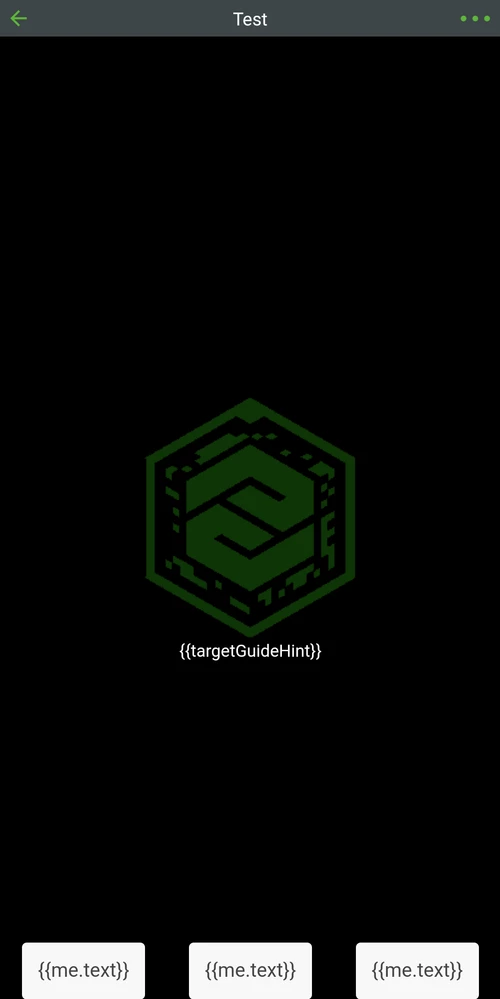
The problem is, whenever I tried to modify the external data from Thingworx, the Vuforia View crashed as shown in figure below. Even I just assign the external data to a variable, the same issue will occur.
For example,
var y = $scope.app.mdl['myThing'].properties['myProperty'];

Is there any method that I can modify the data?Screenshot_20190809-103021.png
Best answer by ClayHelberg

Are you using a filter for this? That's the best way to do it. If you look at the binding between the Thingworx data and the widget displaying it, you'll see a a green Plus that says "Add Filter". Click that, and add the code to transform the raw value into the desired format. For your example, you could use something like this:


return (parseInt(value) / 100) + " Hz"


Here, "value" represents the raw value coming from Thingworx, and the return expression gives the desired string format for the value.

1 reply

18-Opal
August 9, 2019

Are you using a filter for this? That's the best way to do it. If you look at the binding between the Thingworx data and the widget displaying it, you'll see a a green Plus that says "Add Filter". Click that, and add the code to transform the raw value into the desired format. For your example, you could use something like this:


return (parseInt(value) / 100) + " Hz"


Here, "value" represents the raw value coming from Thingworx, and the return expression gives the desired string format for the value.

1-Visitor
August 11, 2019

Thank you so much! It saves my day!