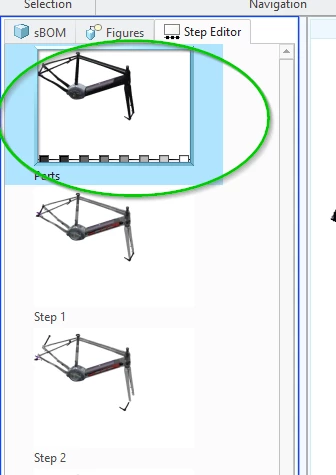
Parts appear in its default location for a split second before moving to its intented location
- 2 replies
- 1796 views
- Translate All
I want to add tools and arrows to my expirence and as it is not possible to get symbols from Illustrate to Vuforia studio I have imported the tools and arrows to my SBOM.
The imported parts have a default location.
When I start to make a sequence I move the part into place with the "Record content" turned off. I then Apply a fade in Effect. (see pictures wrench1.jpg) In illustrate everything looks fine and the Wrench fades in to the right of the drone.
When I preview the steps in Vuforia studio the wrench fades in at is original location for a split second (but long enough to notice) and then jumps to the intended location. (see picture wrench2.jpg)
This is very annoying. The work around I have found is to edit the structure and place the wrench in the starting position but that is not ideal.