Hi , I found your post and saw that is was remaining a long time without answer. So, I will try to answer according to the current functionality.
Unfortunately, we do not have currently in Vuforia Studio a functionality which corresponds to the section in Creo View and Creo parametric.
the near/far clipping planes really are there to control the quality of the rendering, preventing eyestrain very close to the camera (particularly for wearables) and cutting things out if they got too far away to be visible. They are not for section cutting, which of course tends to be planar and aligned with the model and not the head.
Using shaders, you can create a clip plane effect, but its not the same as the CAD clipping tools. There is currently an enhancement request. The enhancement should be more a dynamical possibility to use the WebGL clipping as rough overview inside the assembly. In this case we cannot expect some exact sectioning what we know from Creo Parametric or in Creo View/Illustrate
- So, what I see there are 2 possible workarounds:
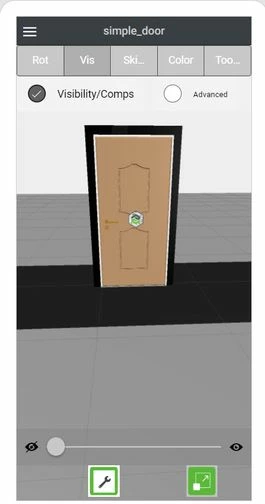
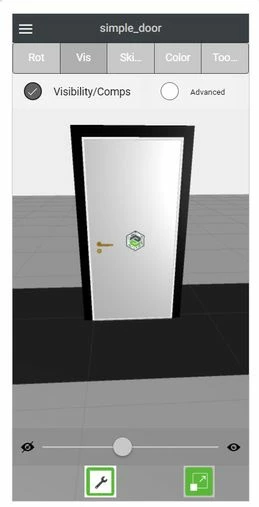
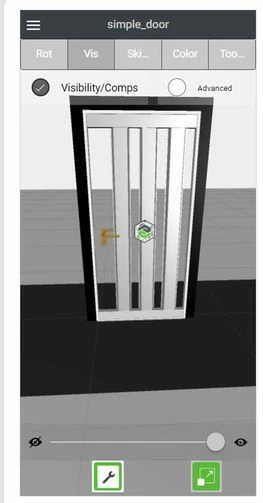
1.) uploading different models - additional models for each cut and then to change the model if you want to display a cut.
I tested with cuts created in Creo Illustrate 5.0 and Creo View 5.0 but it seems that Vuforia Studio could not display them /neither as part of sequence or as static to the current figure.
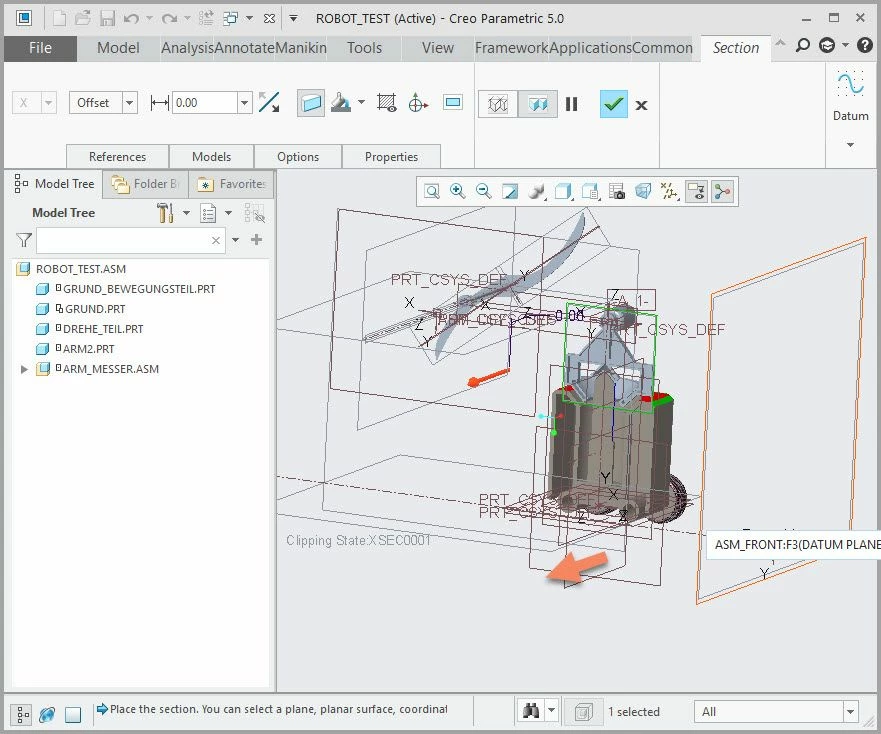
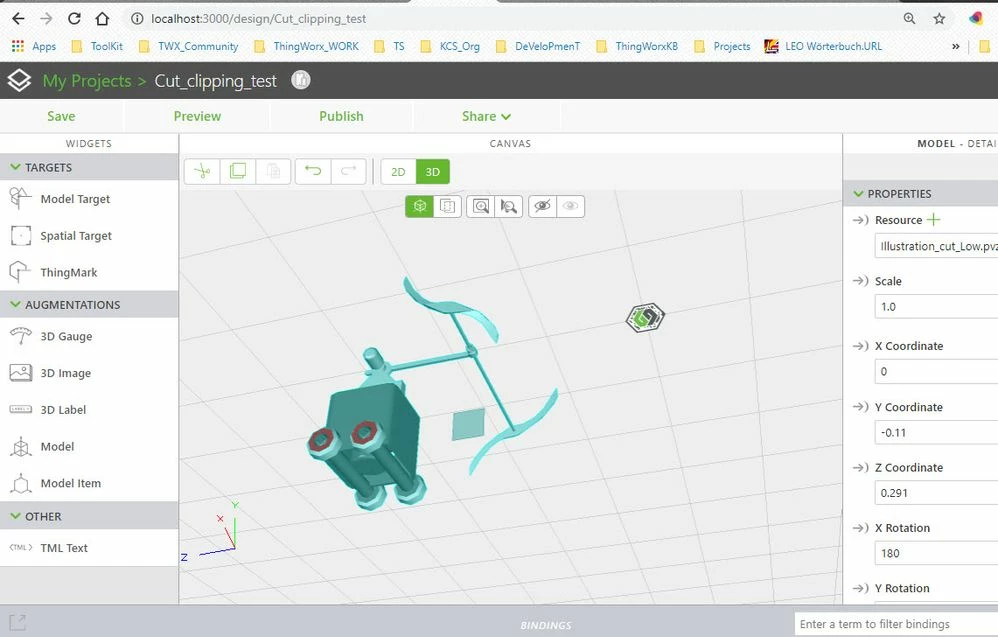
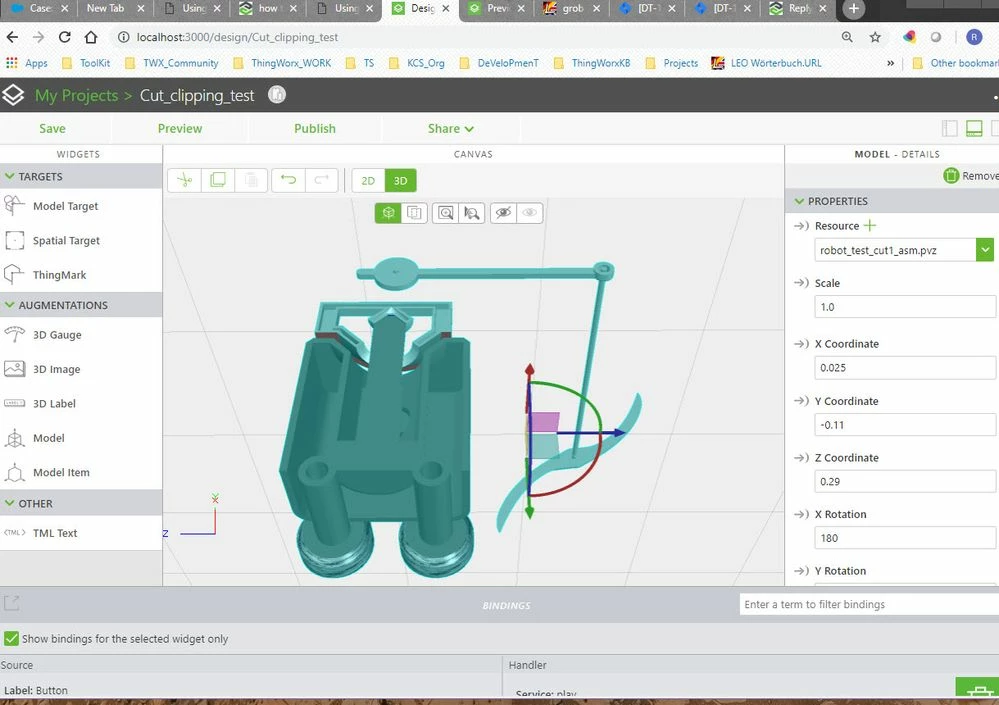
So there the only way is to Create in Creo an assembly cut /with option cut also in parts/ and create from there a new .pvz model.
In this case this seems to work fine:
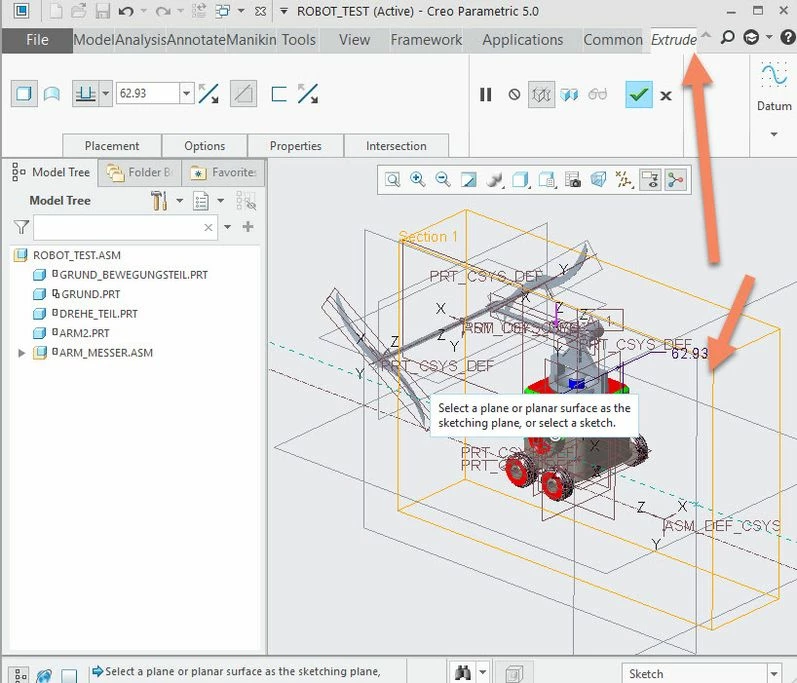
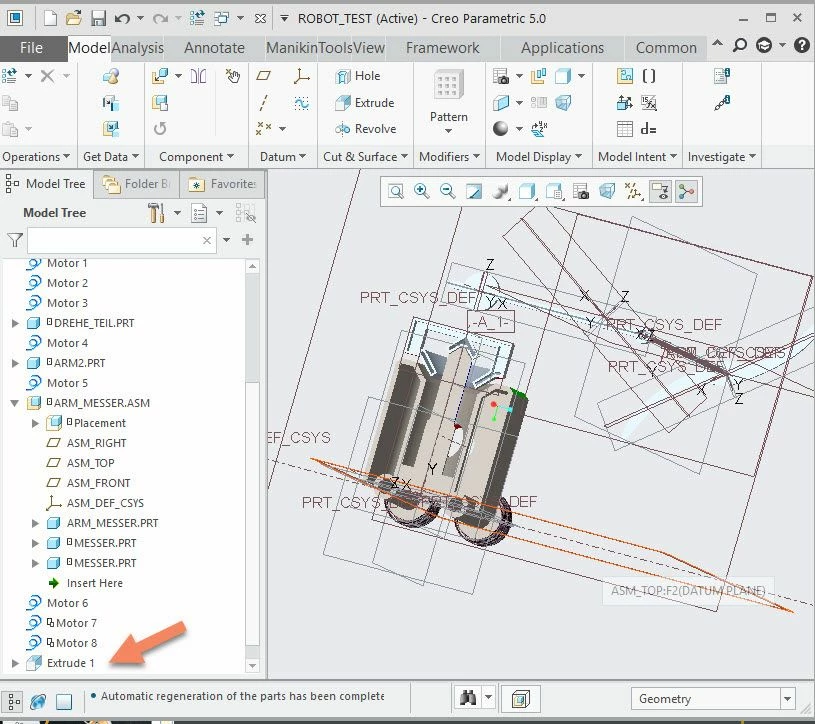
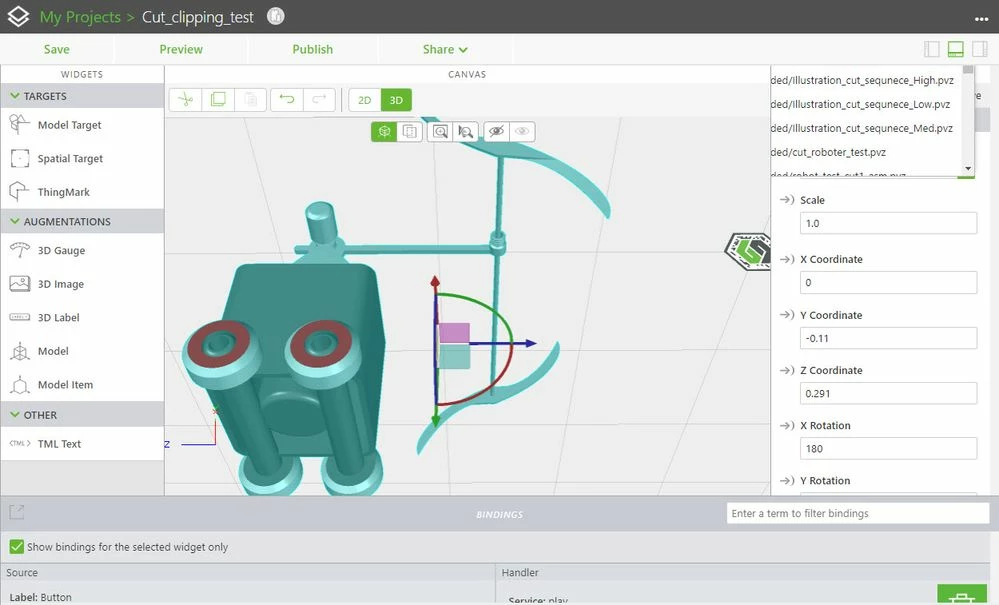
2.) the second approach is to remove components step by step so to see the inner components when the outer components are blanked: