


Community Update: Attachments
Here is how you can upload your attachments depending on their type:
- Images can be attached in 2 ways:
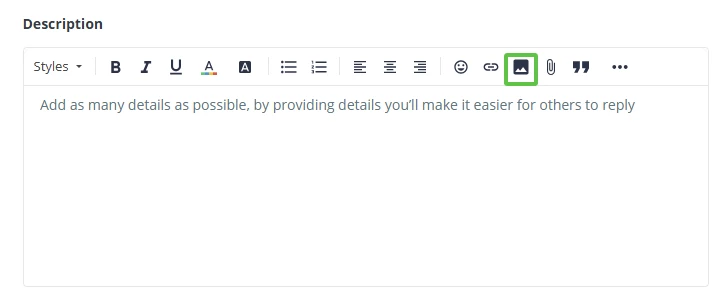
- You will need to click on the image icon in the Description box and choose the picture from your files.
- You can drag and drop or copy and paste the image from your files in the Description Box.
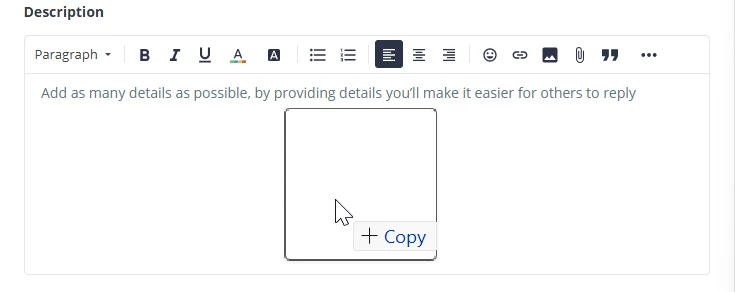
Both ways will attach your image inside the Description box
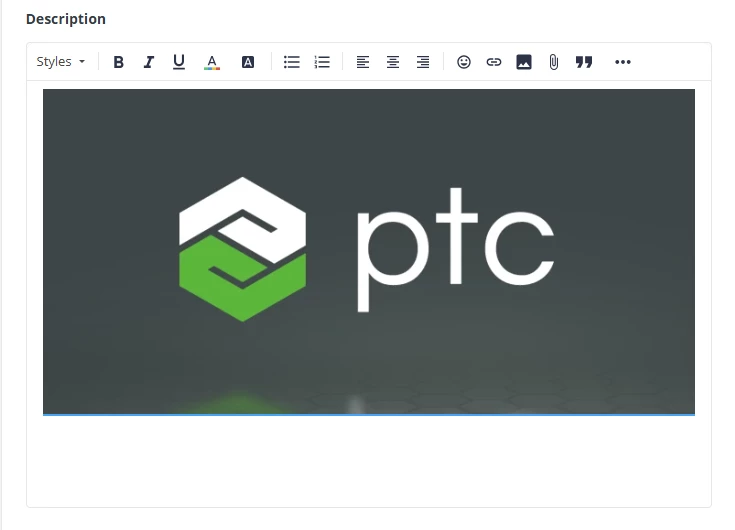
Note: attached images cannot be over 5Mb in size.
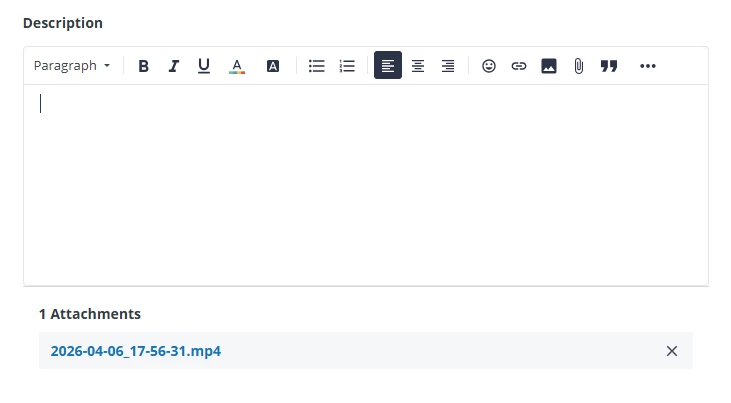
- Videos and other attachments can only be attached using the file attachment button and choose from your files.
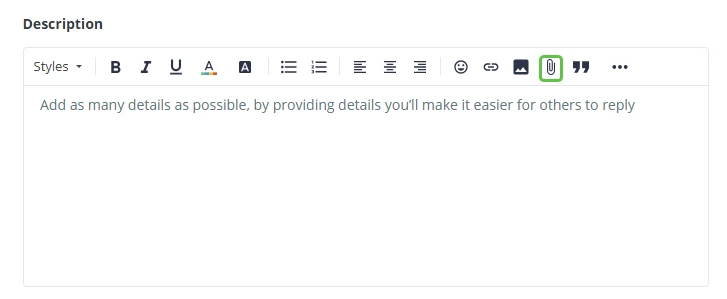
The attachment can now be seen under the Description box.
Here’s a list of supported files that can be attached:
- Common Documents: pdf, doc, docx, xls, xlsx, ppt, pptx, txt, csv, rtf, odt.
- Images & Graphics: jpg, jpeg, png, gif, webp, svg, ico, bmp, tif, tiff, heic.
- Media (Audio/Video): mp3, mp4, wav, mov, wmv, avi, flac, mpeg, m4a.
- Design & Creative Tools: ai, xd, psd, eps, indd, idml, prproj, aep, fbx, obj, stl, skp.
- Compressed Archives: zip, 7z, rar, tar, gz, tar.gz.
- Developer & Technical: json, xml, html, css, js, cpp, h, log, har.
- Specialty Formats: olf, srt, otf, ttf.
Note: Anything else that is not on this list can be compressed in a .zip file and that can then be uploaded as an attachment. The attachments cannot go over 50Mb in size.