
Question
How to Change PTC Community User Name and Profile Picture
When individuals sign up for the PTC Community, the username is created from characters associated with your PTC eSupport account and the first letter of your name “i.e. J for Jaime” will be your avatar.
To update your PTC Community Profile, follow these steps:
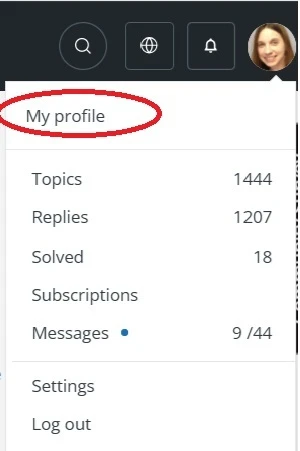
- Go to “My Profile” section (far right corner),
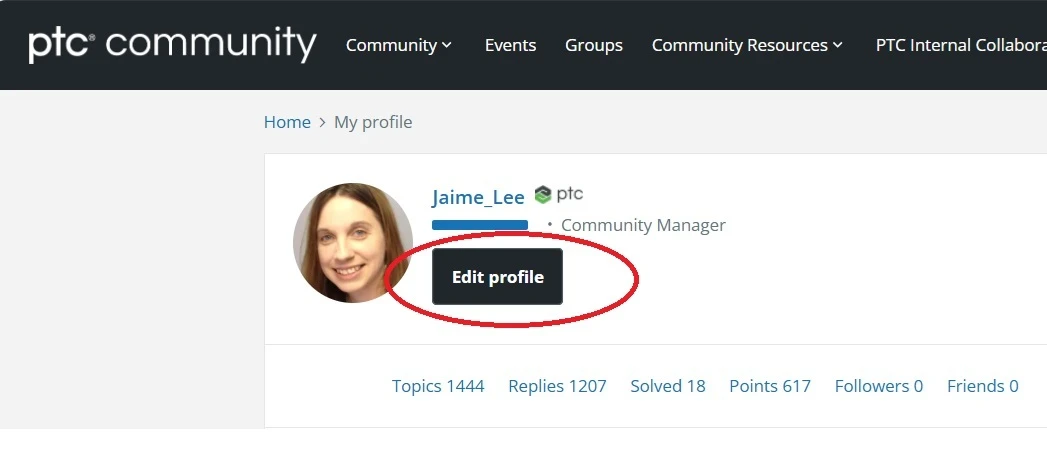
- Choose the “Edit Profile” Button.
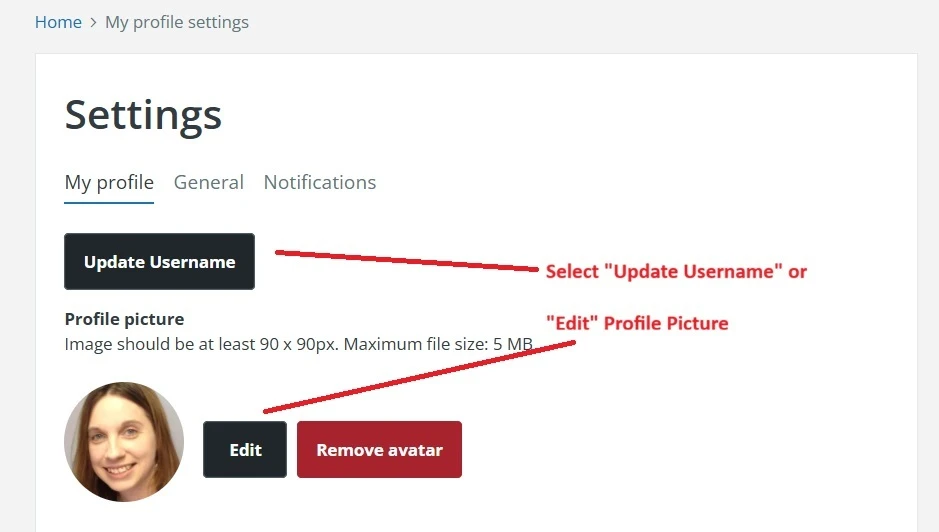
- Select “Update Username” or “Edit”.