
How to Use the Private Messenger
Using the Private Messenger Feature
- You can send a private message to one community member at a time.
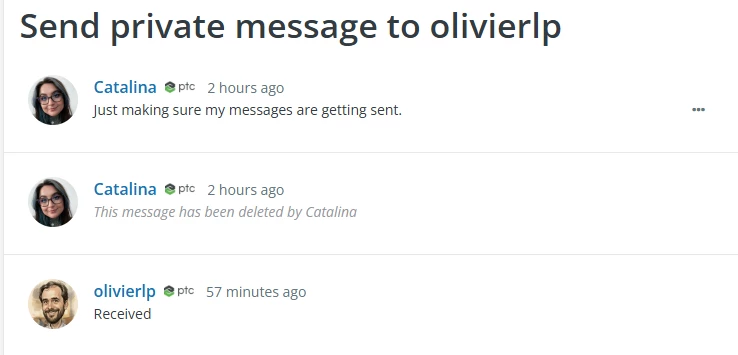
- Private messages display in a threaded view.
Accessing your messages
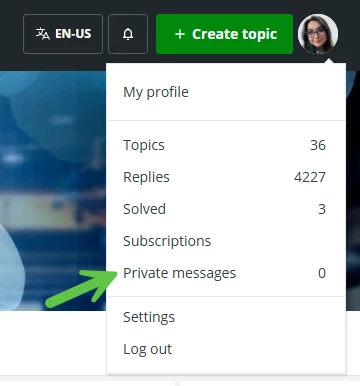
You can access your private messages by clicking on your avatar at the top-right of any community page, and then “Private messages” on the drop-down menu
To send a private message
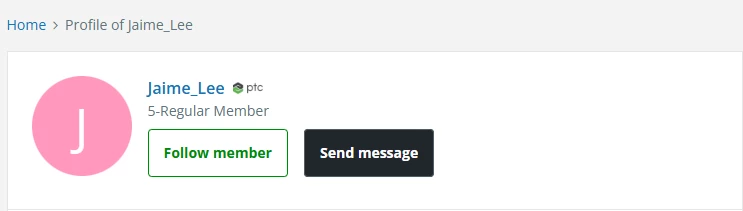
You can send a private message only from the community member's profile.
- Navigate to any community members' profile, and click the "Send message" button under their profile picture.
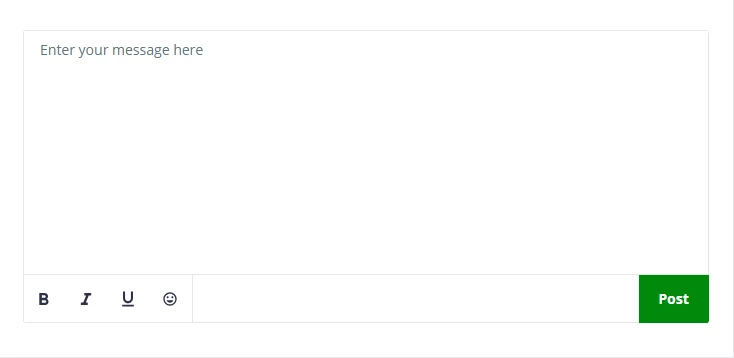
- Once you have entered a message, click "Post"
Reading your private messages
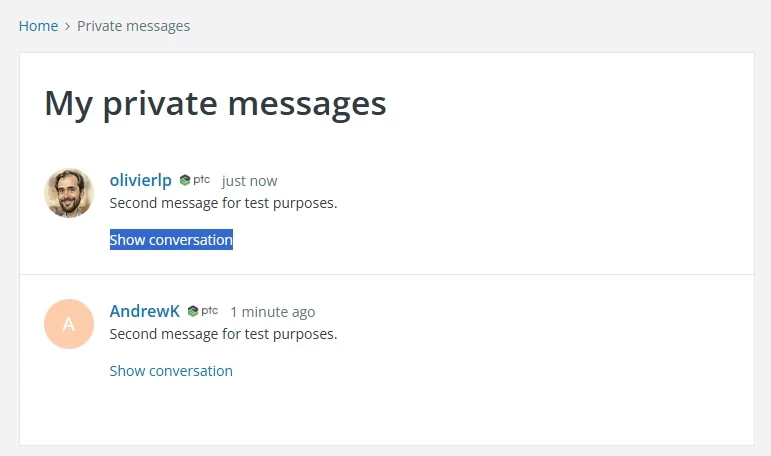
The private messenger feature displays messages in a threaded view. Click on “Show conversation” on any conversation in your inbox to read through an entire conversation.