Solved
CAD Window Not Coming to the Foreground When Opening an Object from the Windchill Workspace
We use Inventor and AutoCAD. However, when we open CAD data from the workspace, the CAD application window does not automatically come to the foreground.
PTC Support provided the following response:
Due to a limitation of WGM, the CAD application window cannot automatically come to the foreground when CAD data is opened from the workspace.
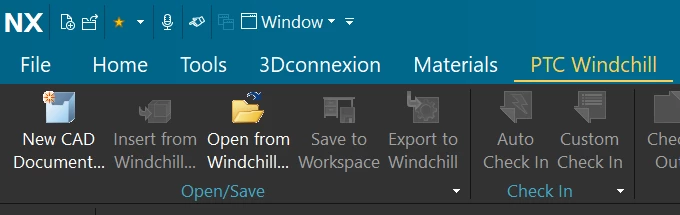
This behavior is not limited to Inventor and AutoCAD. It also occurs with NX and SOLIDWORKS when they are integrated with WGM.
The related article is available here:
https://www.ptc.com/ja/support/article/CS452958?source=caseviewer&as=1
As I understand it, this issue causes inconvenience for all CAD users, regardless of which CAD tool they use.
Could you share how you handle this issue in your environment?