
1-Visitor
February 6, 2015
Solved

Creo Palette

  • February 6, 2015
  • 1 reply
  • 3876 views

Hi all,

I'm creating a 3d drawing in creo and my workspace is in windchill. I save a sketch in my workspace and when I want to used the sketch that I saved to a new 3d model, it doesn't appear in my palette.

Please see the screenshot below.

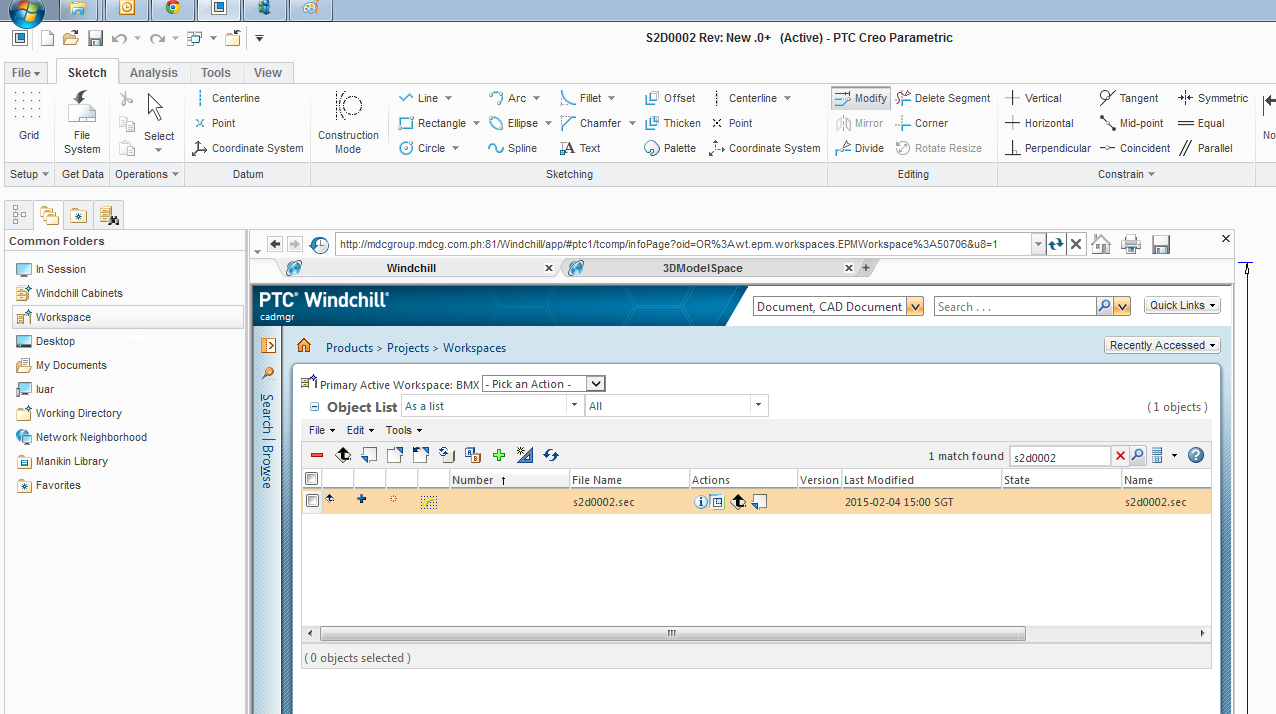
This is my workspace.
Untitled1.png

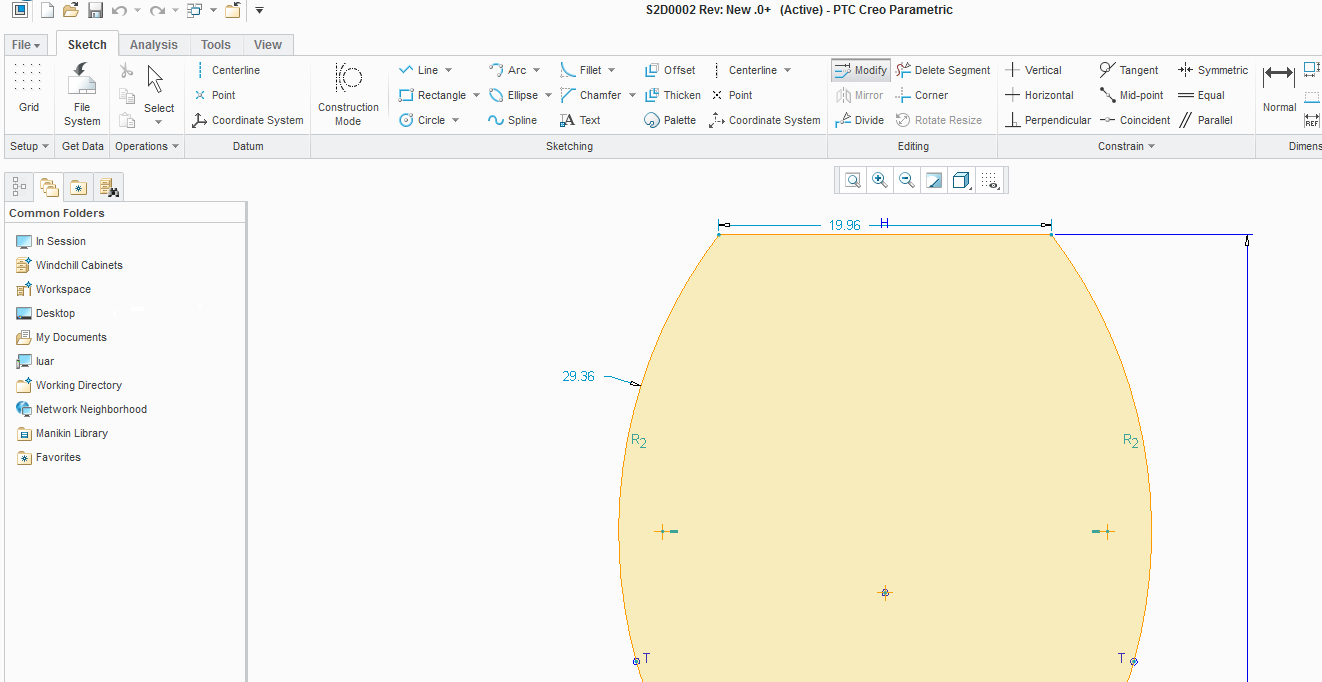
This is the sketch that i want to open in my palette
Untitled.png

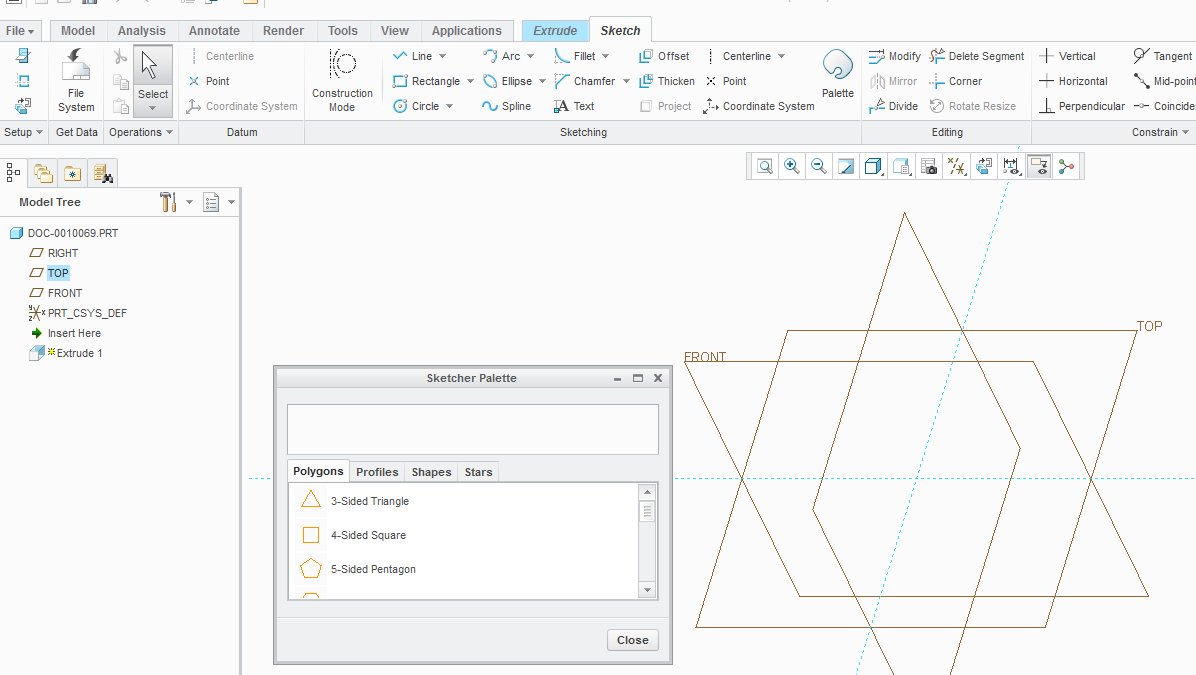
This is what appear when I used the palette in a new drawing.
Untitled2.png

Thanks,

Luar

Best answer by MartinHanak

Luar,

use the following config.pro option.

sketcher_palette_path

<path>

Specifies the path for the sketcher shape directory that contains the subdirectories that define the tabs and shapes that you define for the sketcher palette.

You can also specify a PDM location as the sketcher shape directory. Ensure that you are in the PDM environment and have adequate access rights to the PDM location.

Martin Hanak

1 reply

24-Ruby III
February 6, 2015

Luar,

use the following config.pro option.

sketcher_palette_path

<path>

Specifies the path for the sketcher shape directory that contains the subdirectories that define the tabs and shapes that you define for the sketcher palette.

You can also specify a PDM location as the sketcher shape directory. Ensure that you are in the PDM environment and have adequate access rights to the PDM location.

Martin Hanak