1-Visitor
December 4, 2014
Question

Creo Publishing Issue

  • December 4, 2014
  • 38 replies
  • 17266 views

Hi all,

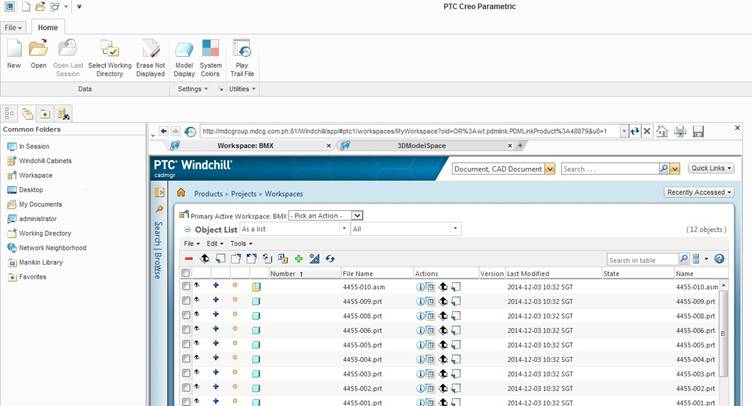
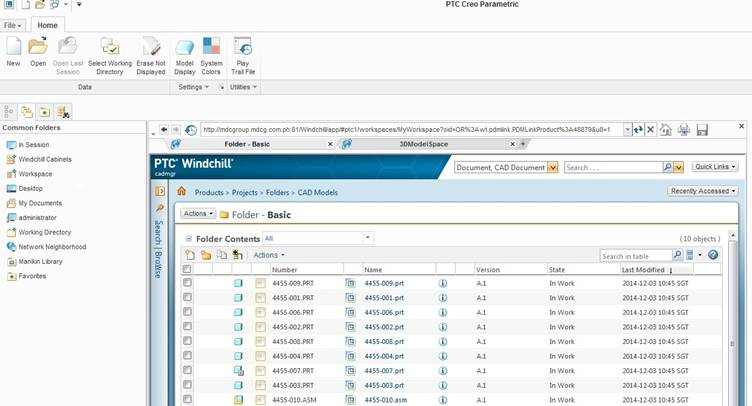
I import creo files in windchill thru creo.
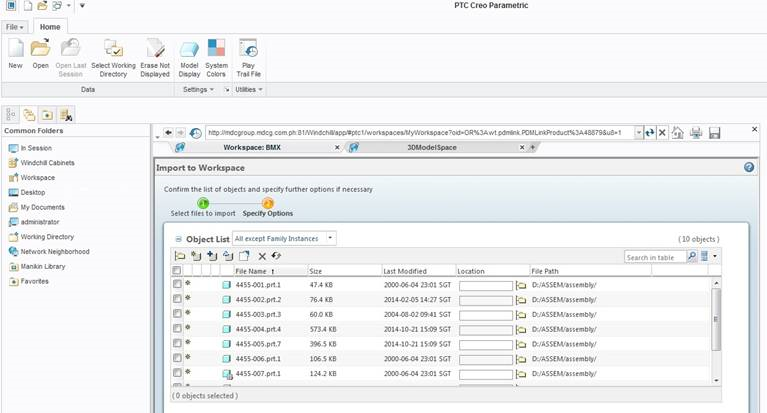
1.png2.png

3.png

After the Import and checkin the publishing/thumbnail is not working. What I need to do is to checkout the file and custom checkin and choose models and viewable so that the publishing/thumbnail worked.

The problem is the revision add even I didn’t change/modify anything just the custom checkin. Is there a way to import creo files in windchill and the publishing/thumbnail worked?

Thanks!


38 replies

13-Aquamarine
December 4, 2014
23-Emerald II
December 5, 2014

Luar,

Do you have a CAD worker configured (either a remote CAD Worker or local to the Windchill server) to perform the publishing within Windchill? Check Site > Utilities > Worker Agent Administration. If all you see is a blank list or a worker named "triumph" then you don't have any workers configured. In that case, the only way publishing will happen is if you do a custom check in and select to do client-side publishing (i.e. "check in Models and Viewables" option or just the "Viewables" option).

Luar1-VisitorAuthor
1-Visitor
December 8, 2014

Hi Lori,

This is the screenshot of my worker agent administration. should I start it?

1.jpg

23-Emerald IV
December 8, 2014

As long as it's configured correctly (and the CAD worker is configured correctly), it will automatically start when needed. What happens when you check in a file? Do you see this startup?

Luar1-VisitorAuthor
1-Visitor
February 16, 2015

Hi all,

I just re install windchill because PTC support told me to do so. Now my publishing still not working. can anybody here set a webcast so that can check my windchill or find out what seems to be the problem? because I open the case to PTC support for a month now.

Thanks,

Luar

1-Visitor
October 17, 2016

Hi Luar,

Found any solution to this problem? Even i am facing the same issue.

Thanks,

Sudeep