Solved
How do you delete a global attribute from a type?
Hey there... This may be obvious, and I am missing it, but....
How do you delete a newly created global attribute after you add it to a type?
- I created a global attribute and added it to the Part type.
- Decided the attribute should have been a string instead of an integer, and with no way to redefine that, want to delete the attribute from the type.
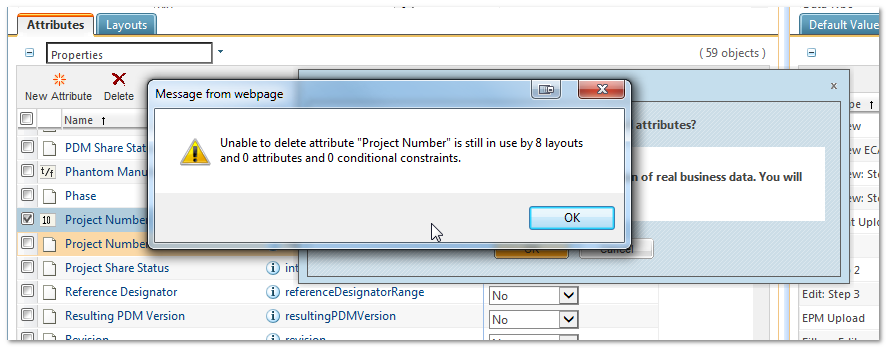
- Found the new attribute, selected it, and clicked the Delete icon.
- Got an error message about the attribute being used in 8 layouts.
- Can't seem to figure out how to remove the attribute from the layouts.