18-Opal
Nov 24, 2017 4:42 AM UTC
Solved

i can't find change request object

Hi i'm SeonHo


You have created a change request.
However, the change request file is not visible
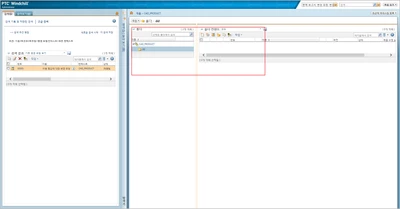
Through the search, there is a change request file like the picture.
wq1.png

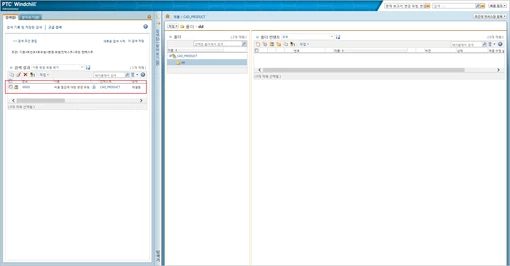
If you view the information in the file and click on the location
wq2.png 


Nothing...

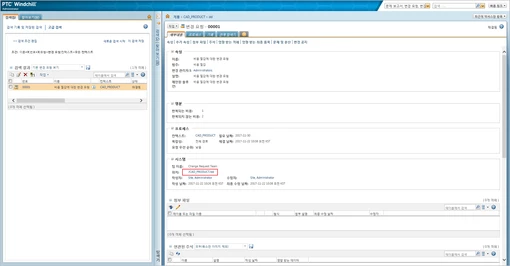
wq3.png

Is Windchill not seeing the change request file?
If not, why not see the change request file?

TomU
TomUAnswer
23-Emerald IV
Nov 28, 2017 12:36 AM UTC

See the video below.  Keep in mind that to edit the default "All" table view requires logging in as Site Admin.  If you don't have that permission, you can always save a copy of it (click on the disk icon) and just create your own custom version of "All".

7 replies

15-Moonstone
Nov 24, 2017 10:31 AM UTC

Don't you have a filter ?


Sélection_045.png

Translate
CHASEONHO18-OpalAuthor
18-Opal
Nov 27, 2017 12:18 AM UTC

if i set a All in filter then Object not shown..

folder_all.png

but if set a Change Object in filter then object show

folder_changeRequest.png

why is the object not displayed even if it is set to All?

thanks

Translate
TomU
23-Emerald IV
Nov 27, 2017 1:28 PM UTC

Because "all" is not really "all".  You can edit the definition of the "All" table view to include these objects if you want.

Translate
13-Aquamarine
Nov 24, 2017 9:00 PM UTC

Have you checked the changes folders?


a2.png

Translate