

14-Alexandrite
February 16, 2024
Solved

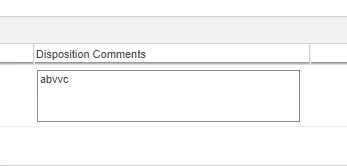
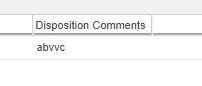
I have created text box in affected disposition table but its not getting persist in change notice.

  • February 16, 2024
  • 1 reply
  • 1297 views

I have followed this "Custom Table Views (Step 1) (ptc.com)" article given by PTC.


I put the value in affected disposition table after submitting it the attribute is not getting persist.


And I have attached the screen shot below of before submitting the CN and after submitting the CN.


Please provide a solution.

Best answer by HelesicPetr

Hi @AR_9920456 

If you added own custom attributes then you need to customize the processor that cares about storing the values in the database.

the class is ChangeTaskAffectedItemsFormDelegate


OOTB system attributes are stored without any issue
HelesicPetr_0-1708064147644.png

HelesicPetr_1-1708064175209.png

In your case I would check a log files and turn on datautility logger for the disposition text column. .   

How do you know that value is not stored? If the value is null or empty, then nothing is shown.

In your case there is an error.  


PetrH

1 reply

HelesicPetr
22-Sapphire II
22-Sapphire II
February 16, 2024

Hi @AR_9920456 

If you added own custom attributes then you need to customize the processor that cares about storing the values in the database.

the class is ChangeTaskAffectedItemsFormDelegate


OOTB system attributes are stored without any issue
HelesicPetr_0-1708064147644.png

HelesicPetr_1-1708064175209.png

In your case I would check a log files and turn on datautility logger for the disposition text column. .   

How do you know that value is not stored? If the value is null or empty, then nothing is shown.

In your case there is an error.  


PetrH

14-Alexandrite
February 16, 2024

Hello HelesicPetr,


Thanks, it working.