

Question
Latest version opened in Creo Parametric and checked out, yet flagged as out of date?
Somehow, I've modified CAD assembly in my workspace and then checked it out, and now Creo Parametric keeps insisting it that it is "out-of-date".
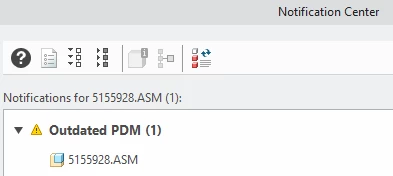
I tried to use "update" function:
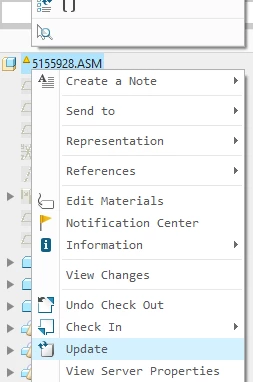
system asks for some objects in session to be replaced with ones from the workspace; I agree - afterwards, the annoying message is still there:
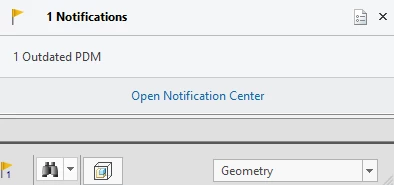
I've refreshed the workspace, tried to synchronize (says nothing to synchronize)...
So I don't understand - this is the latest version and it is checked out. So by definition, how can it be out-of-date?
I have a feeling it would be something that will fix itself if I shutdown the computer and restart it.
But wondering if someone could shed light on this issue / offer a "hot fix" so I don't have to resort to the restart.