

Question
Overrule dialog "Drawing is not up to date. Dependencies may be inconsistent."
Hello,
When we save or check in a drawing that is not up to date we get the following message from the wgm.
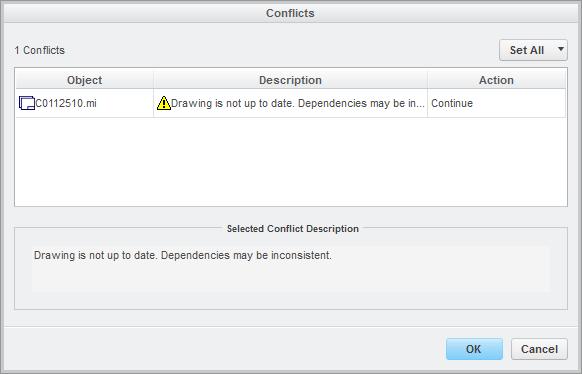
Does somebody know how to get this conflict window away? We don't want to get this even when it's not up to date.
I tried to change a the setting "conflict.dialog.display.update=No" in the "wgmclient.ini" file but with no succes.
We work with Creo Direct/Modeling 18.1 in combination with Windchill 10.2.
Thanks in advance