

Question
Rename with Autonumber - Have Drawing Match Model
I have just enabled autonumbering for one particular product and now I need to do some renaming/renumbering to use the new numbers. Is there any way to have the drawings automatically use the model's newly assigned number? Since I can't see what the new number is until after the renaming process is finished, I have no idea how to properly rename the drawings while still keeping them matched up with their corresponding models. Any ideas?
This is what happens if I autonumber everything together (drawing doesn't match the model):
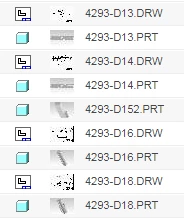 Before
 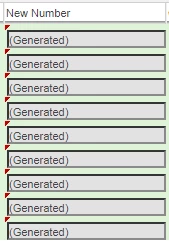 During
 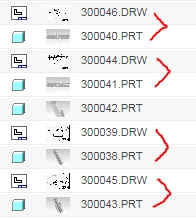 After
After
If I autonumber just the models, I won't have any idea which newly named model the drawing should be associated with (in order to rename it.):
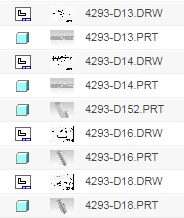 Before
 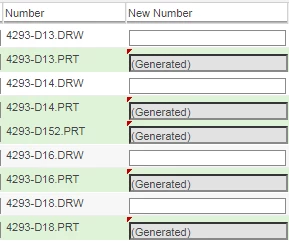 During
 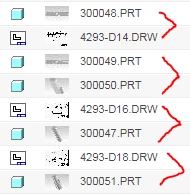 After
After