
16-Pearl
September 7, 2026
Solved

Screen scaling durfing installation

  • September 7, 2026
  • 3 replies
  • 76 views

Hi there,

I am trying to install Windchill.

But when I start the installer via RDP on a computer with a 4k monitor, I get this:
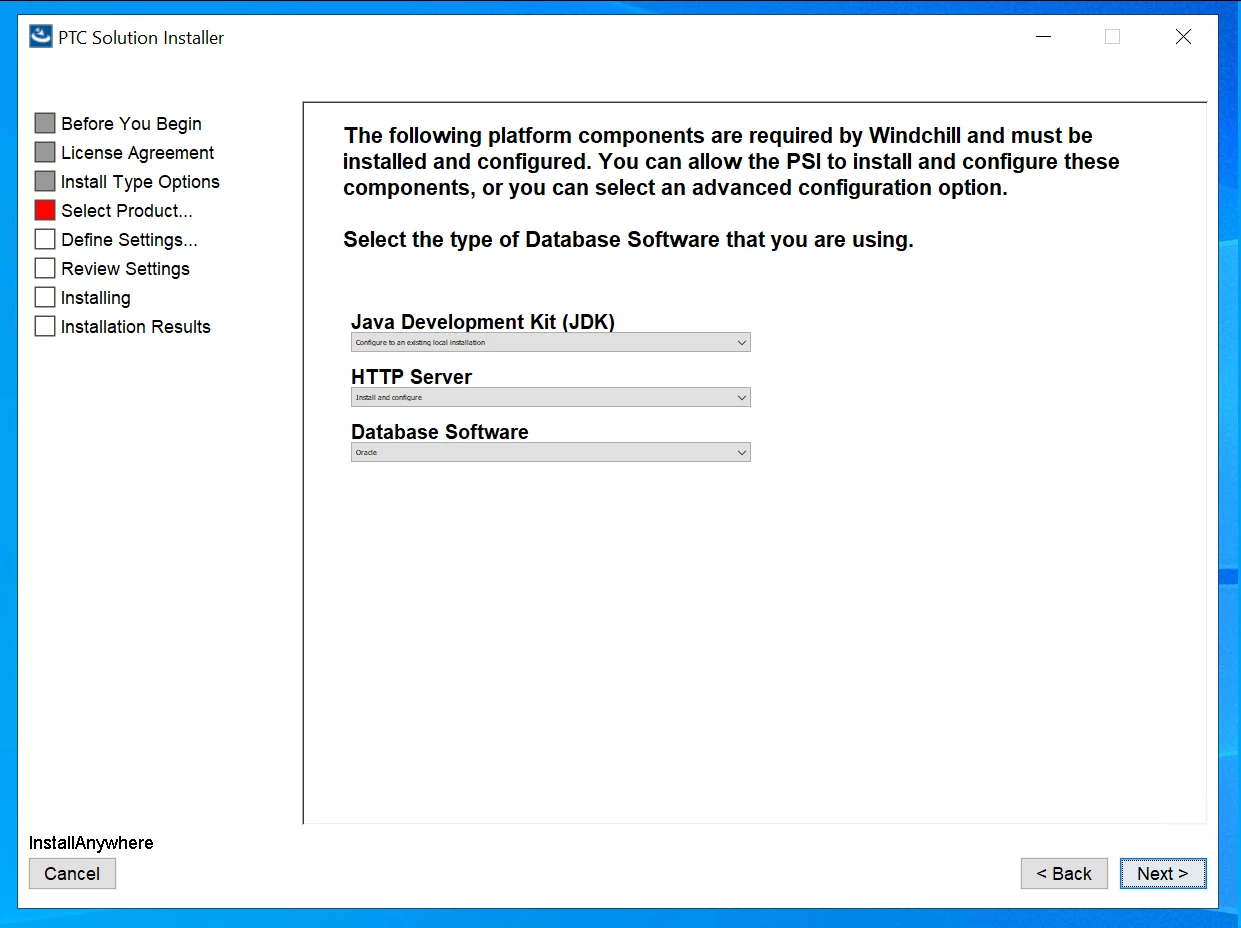
Title, side bar and headings are quite readable. 


But all input fields (text, dropdown, checkbox, etc. ) a tiny and not readable.

The text lines are only 5 pixels “tall”.
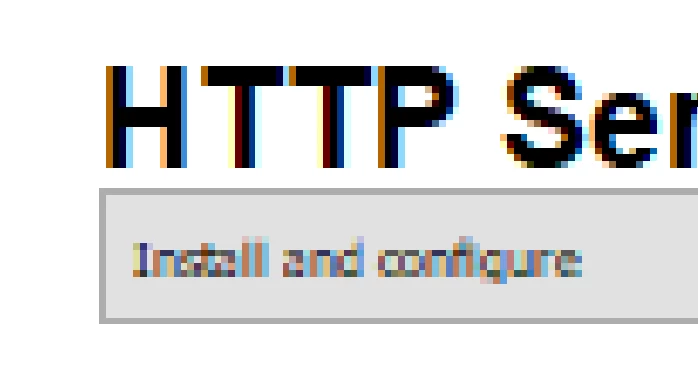
 

Is there a trick?


Best answer by BryanK

Hi, 

Have a look at this. 

https://www.ptc.com/en/support/article/CS420564

3 replies

BryanK17-PeridotAnswer
17-Peridot
September 7, 2026
Mat16-PearlAuthor
16-Pearl
September 8, 2026

Thanks, that did the trick.

tldr:

Find “javaw.exe” and change its “compatiblity settings”. Activate “high dpi scaling override” and choose “system (enhanced)”.

Mat16-PearlAuthor
16-Pearl
September 10, 2026

For the record:

If You experience the same issue in WinDU and WinRU, which would be very likely, use the same trick for “java.exe”: