Solved
vault file movement after upgrade (Source system don't shutdown when upgrade)
Version: Windchill 12.1
Use Case: Hi, I have successfully upgraded from Windchill 11.0 to Windchill 12.1. The next problem is, windchill 11.0 (Source system) is not turned off and is still running for work while the upgrade is running. So there are additional CAD and PART example files. How do I transfer additional files during the upgrade process? Is it possible to move the vault according to the difference between the old vault and the current vault?
Description:
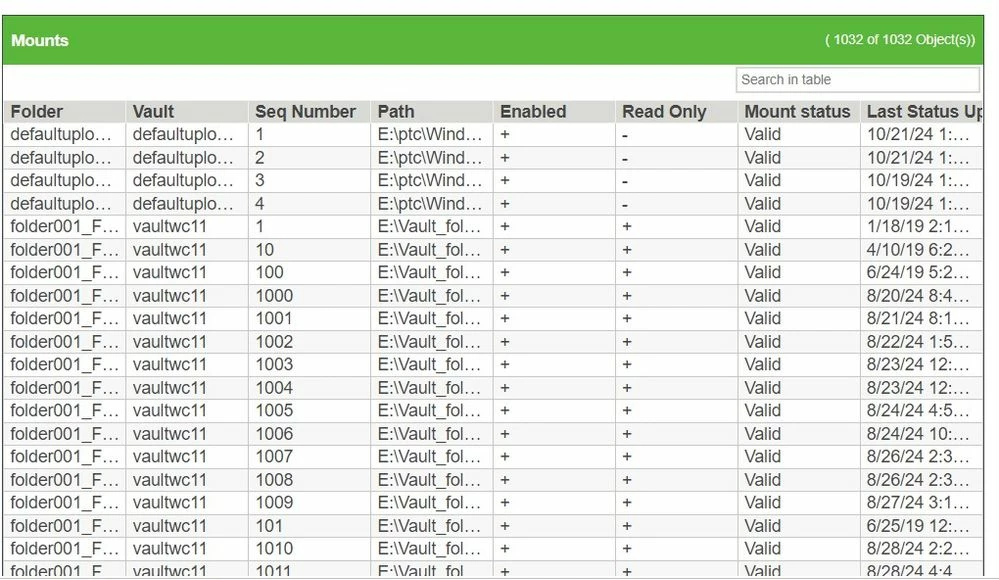
this is the difference between source vault and target vault
Source System :
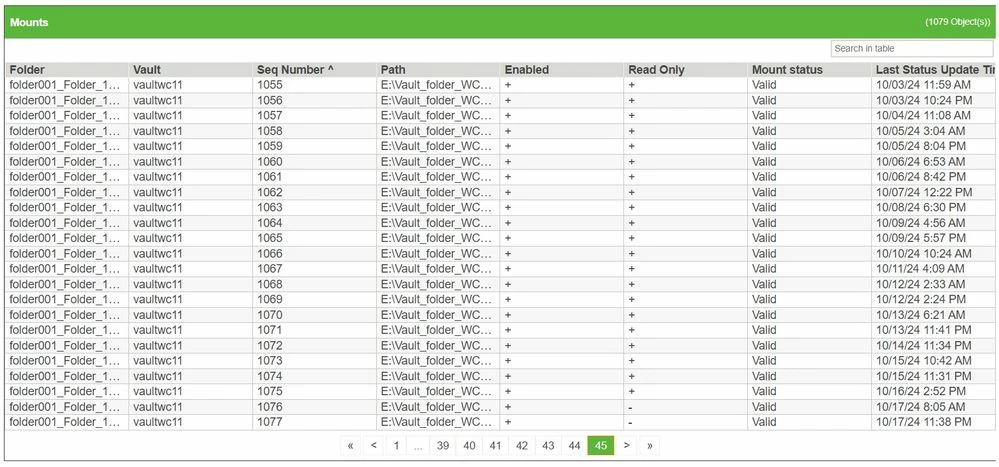
Target System :