

1-Visitor
November 21, 2019
Solved

WGM Solidworks: Mass Properties not mapped to Windchill

  • November 21, 2019
  • 1 reply
  • 2596 views

Hi there,

using Windchill 11.0 M030 CPS16 and Solidworks 2019 SP4, I would like to map mass properties from CAD to Windchill. Following the documentation found here: https://www.ptc.com/de/support/article/cs258281


I created a global attribute as a real number with units:
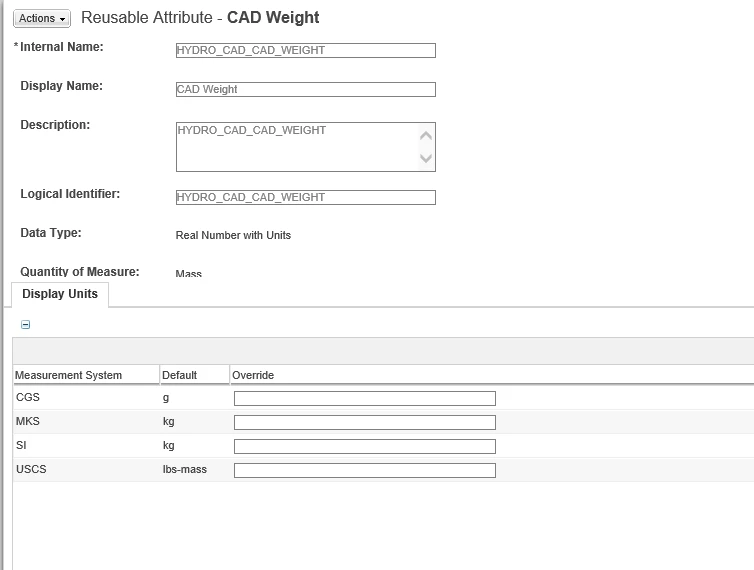
 

screen_globalattributemass.png


added, the attribute to EPM CAD Document and mapped the attribute to MSP:Mass:
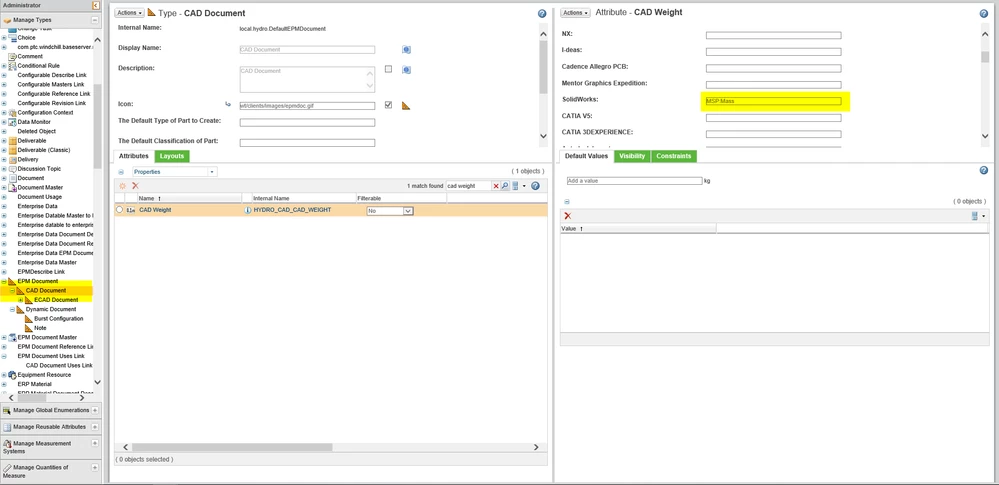
 

screen_epmdocumentmass.png


However, mass properties are not shown on the CAD Documents details page:
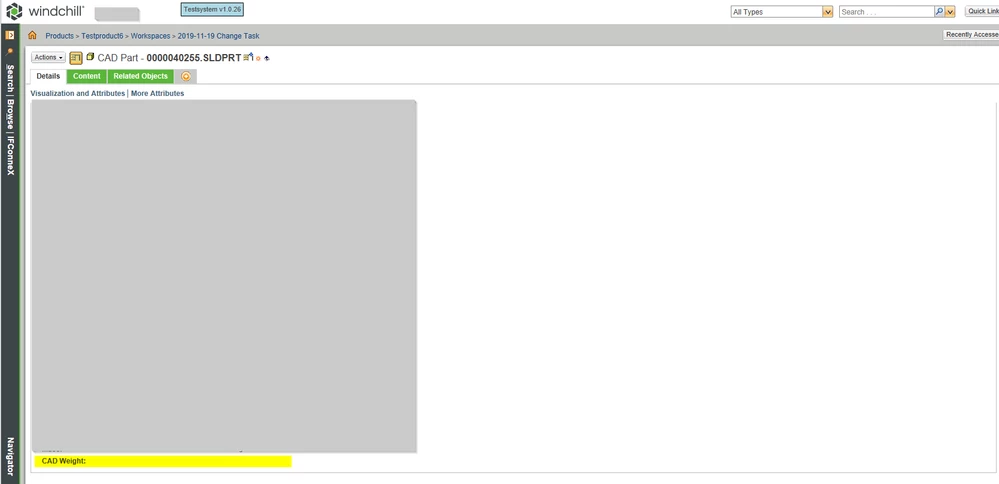
 

screen_epmdetails.png


What am I doing wrong?


Thank you in advance for any hints how to debug this further.


Best regards

Chris


Best answer by Chris17

Solution found:


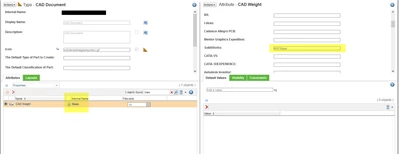
The mapping of Solidworks parameters with units only works if the internal names of the attributes are identical to parameter name in Solidworks. So to map the mass, the internal name of the attribut in Windchill must be mass.


Chris17_0-1588244187780.png


1 reply

Chris171-VisitorAuthorAnswer
1-Visitor
April 30, 2020

Solution found:


The mapping of Solidworks parameters with units only works if the internal names of the attributes are identical to parameter name in Solidworks. So to map the mass, the internal name of the attribut in Windchill must be mass.


Chris17_0-1588244187780.png