1-Visitor
May 6, 2016
Solved

where's the log file of JNDIAdapter?

  • May 6, 2016
  • 5 replies
  • 2359 views
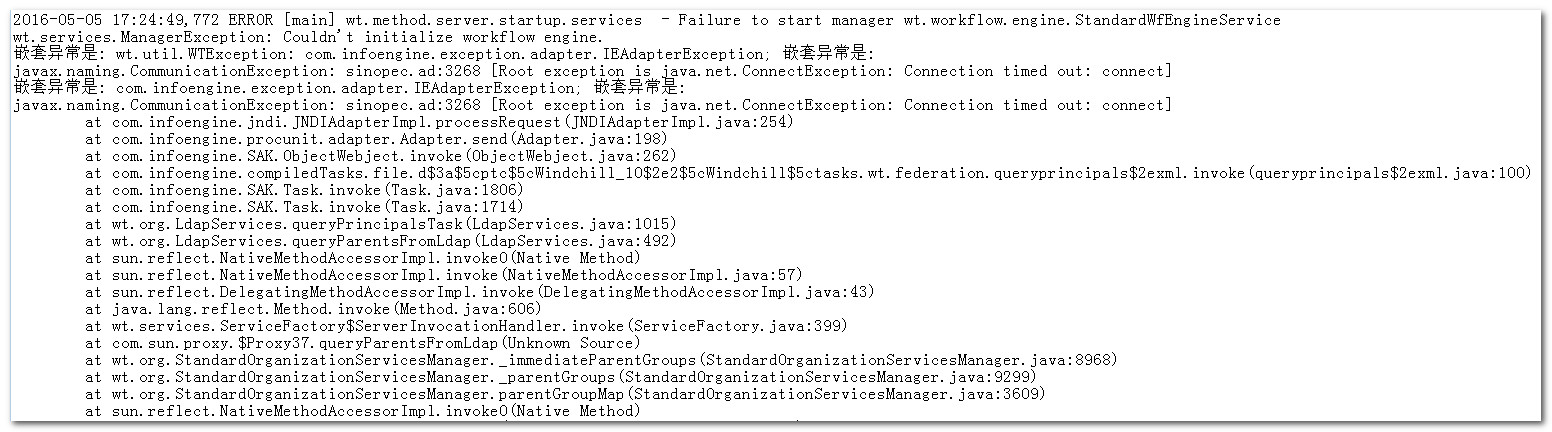
When I do AD integration, the MethodServer reports the following error .

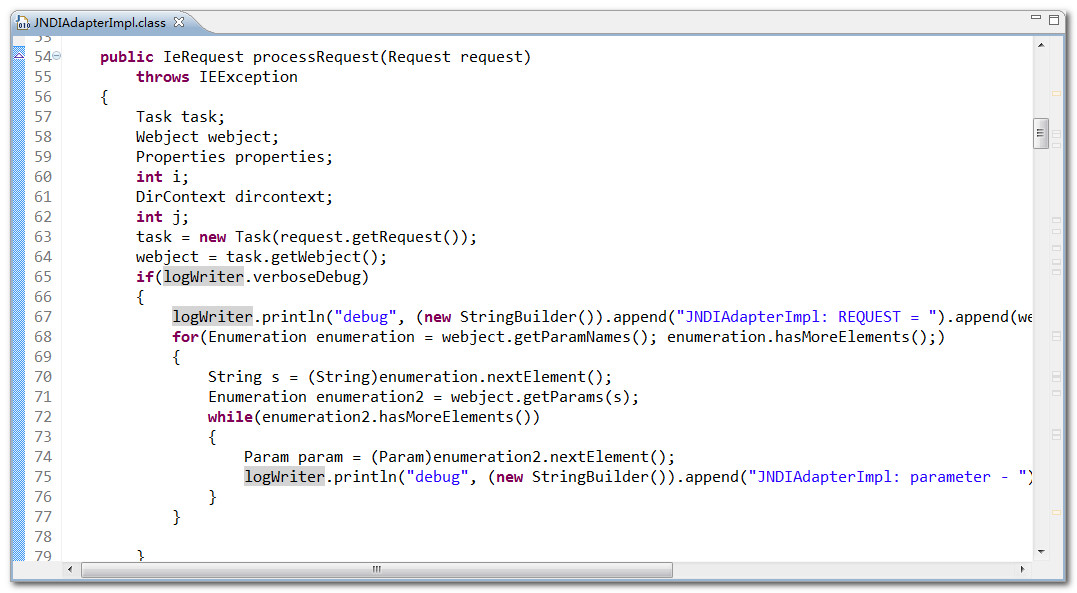
So I looked at the source code of  com.infoengine.jndi.JNDIAdapterImpl.class.
I found that user authentication information was written into the log file.
Can you help me to find the log file .

Thanks in advance for your expertise,

mhlv.
2016-05-06_085206.jpg

2016-05-06_085455.jpg


Best answer by BineshKumar1

You can enable the JNDI verbose following the steps  - https://support.ptc.com/appserver/cs/view/solution.jsp?n=CS131349

I don't know whether this verbose will give you any info other than what you see now. It clearly says - connection execption Just to be sure, did you use the same host name in LDAP browser - sinopec.ad ?

5 replies

2-Explorer
May 6, 2016

The error message will be written to the Method Server log. Looking at the snippet of MS log, Windchill is not able to establish connection to sinopec.ad on port number 3268. You could try using an open source LDAP browser like JXplorer - an open source LDAP browser or Softerra LDAP Administrator & Browser: Directory Management Tool Download to try the connection and see whether it works. Also see whether global catalog is enabled in your AD  to connect through 3268

Regards

Binesh Kumar

Medtronic - MITG

23-Emerald IV
May 6, 2016

Another one I've used is "LDAP Search".