1-Visitor
August 22, 2016
Question

WWGM Solidworks

  • August 22, 2016
  • 2 replies
  • 2797 views

Hi All,

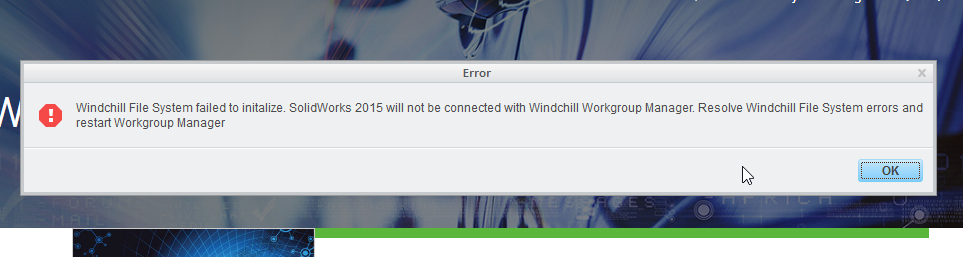
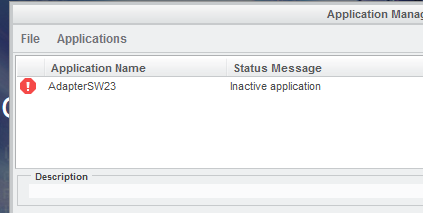
I just want to ask how how to fix this error while registering application in WWGM.

Screenshot_2.png

Screenshot_3.png

Thank you,

Luar

2 replies

14-Alexandrite
August 22, 2016

Hi Luar,

Is  "Non local drive is selected for Windchill File System"?

If YES,

  • Set environment variable PTC_WFS_ROOT=<path of a local unshared folder>.
  • Change the Windchill Folder Location in the Windchill Workgroup Manager via Tools > Windchill File System Management to a local unshared folder.
  • Windchill Workgroup Manager needs to be reinstalled if Windchill Folder Location cannot be changed.

You can also refer to TS Article CS167483 (https://support.ptc.com/appserver/cs/view/solution.jsp?n=CS167483)

Let me know, if you still observe the issue.

Regards,

Pankaj Mooteri

Product Manager - PTC

Luar1-VisitorAuthor
1-Visitor
August 22, 2016

Hello Pankaj,

I already change the directory to unshared folder on my local. But I cannot register the Application the error still prompt.

Thank you,

Luar