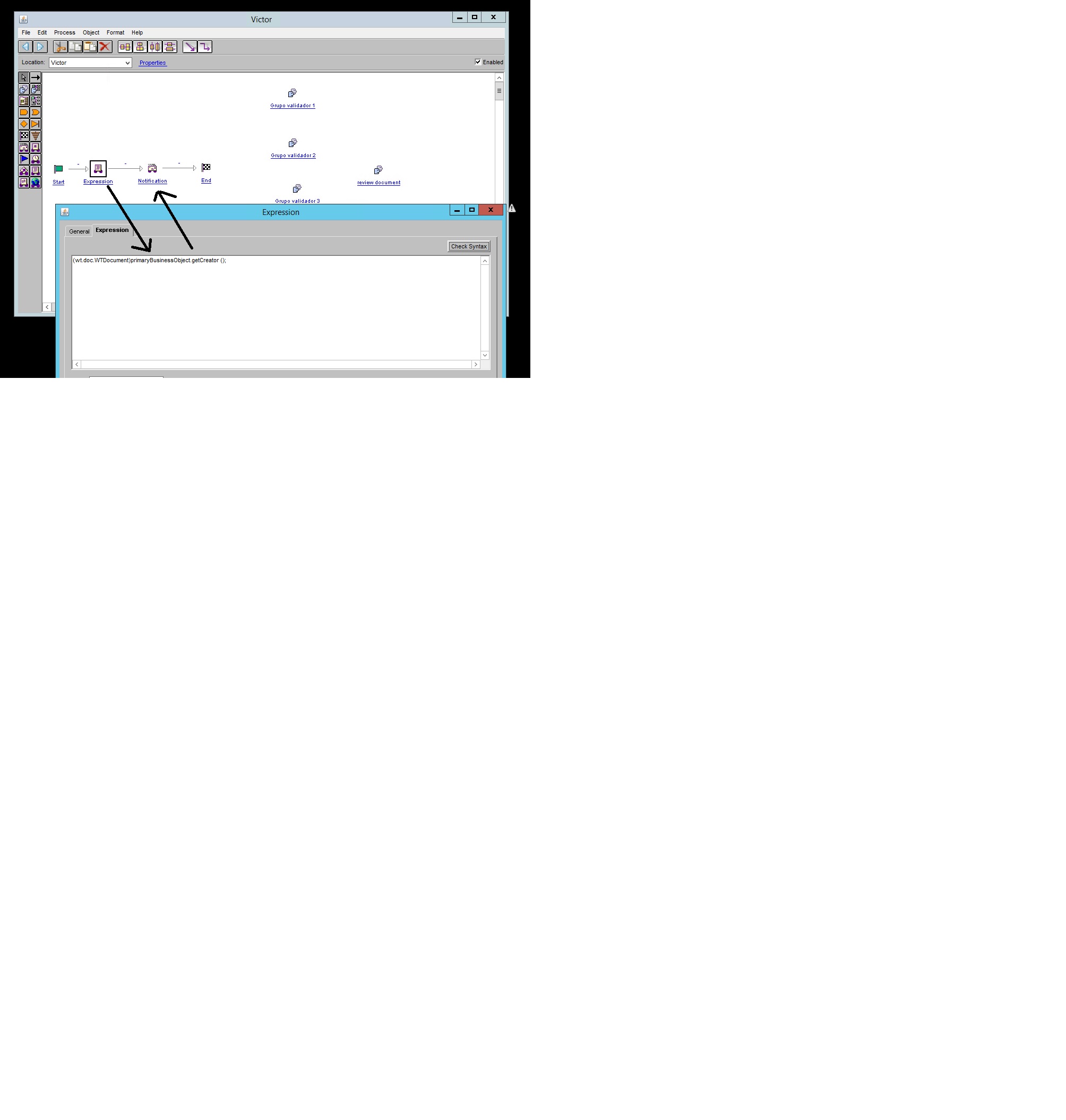
I created a String variable in my workflow called "User" (see the image below), now I want to get the name of the user, and assign it to the variable. I dont know how to do that in the expression. I really dont know the expression to get the user name, How would the line code be?
I need to do the same thing with the User group, I created a variable String called "group" and I want to get the user group name and assign it to the variable (group)
With the variable name "user" then it should simply be:
user = (wt.doc.WTDocument)primaryBusinessObject.getCreator();
You can use the Syntax button in your first screenshot above to check if you got a valid expression.
(I'm not able to syntax check what I wrote above - so it's just written from memory)
Sorry, I'm not sure which user group you mean, a user can be a member of several groups so you have to guide me on what Windchill group object you are referring to ...
Translate
Windchill Satisfaction Survey
Help shape the future of Windchill. Take our 5-minute survey and share your feedback.