17-Peridot
November 19, 2019
Question

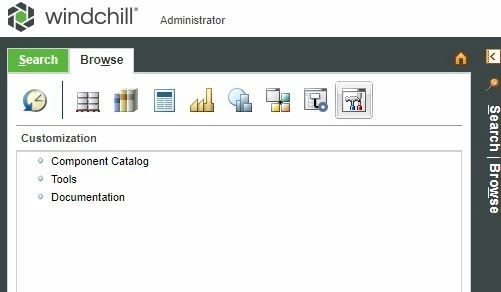
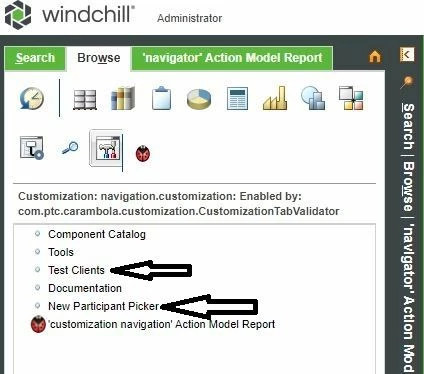
How to activate in" Customization " links?

  • November 19, 2019
  • 1 reply
  • 2168 views

Hello everyone, please tell me how I can activate in "Customization" links "TestClients " and "NewParticipant Picker"?
CUST_0.JPGCUST_1.JPG

1 reply

16-Pearl
November 20, 2019

Hi @VladiSlav ,


Looks like they are hidden/disabled from out of the box CarambolaTestingExamplesValidators.


If append ?jcaDebug=1 to windchill URL, you will get debug view (http://windchill_host/Windchill/app/?jcaDebug). Now, mouse hover on the link which is not visible UI and you will see it is either hidden by or disable by above validator class.


CarambolaExample.png


Looks like this class exposed/supported for customization. 


Regards,

Shirish

VladiSlav17-PeridotAuthor
17-Peridot
November 20, 2019


@ShirishMorkhade_238755and how can I configure these links to become active?
16-Pearl
November 20, 2019

You need to write your own validator and extend above validator class CarambolaTestingExamplesValidators


In your custom validator override performLimitedPreValidation andperformFullPreValidation methods and add your own logic.


Both method returns UIValidationResultSet which in turns contains UIValidationStatus.


Good luck!


Regards,

Shirish
