

Question
Problem in understanding ptc-navigate-extension on Thingworx Composer
Hi Guys,
I have download the extension.
Install Thingworx 7 successfully,then import navigate extension to Thingworx composer.
I also import the navigate extension for PLM.
Then I open the mashup named "LandingPageAccessAppMashup" which seems like:
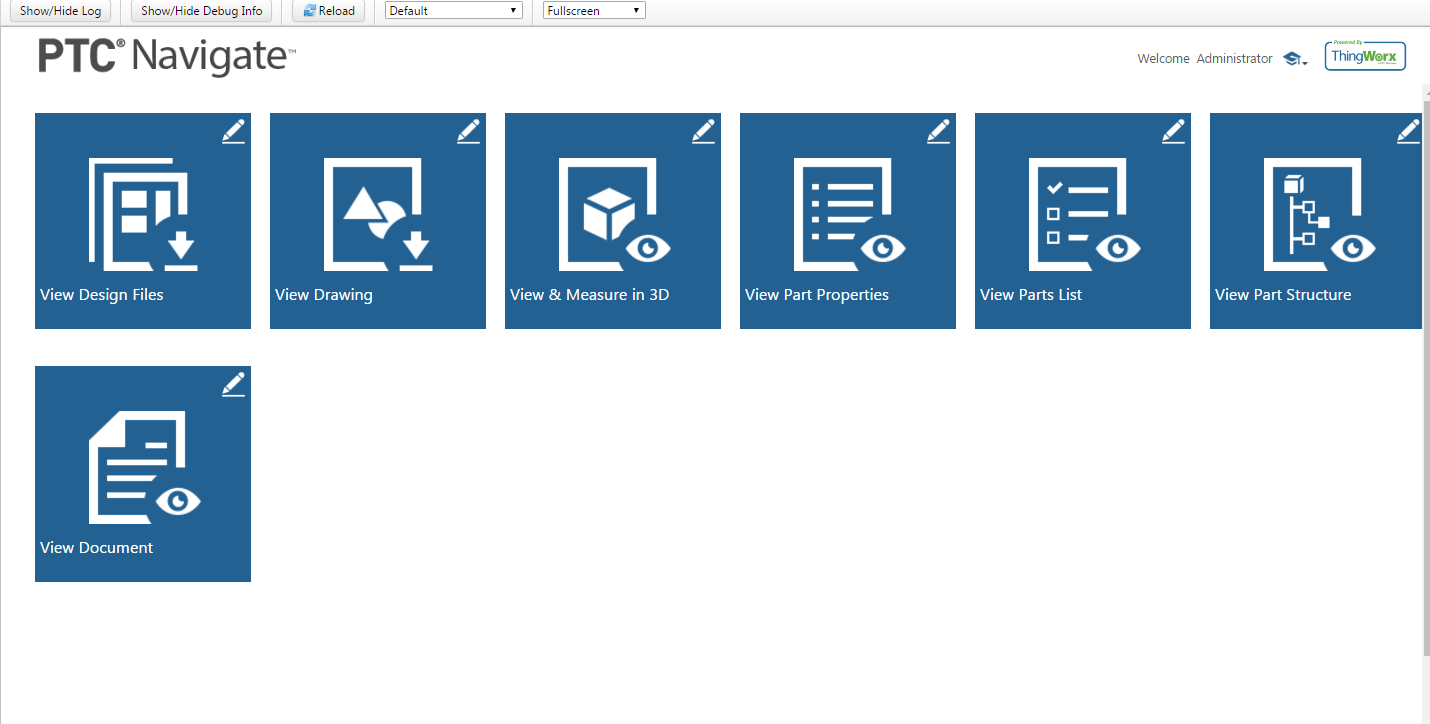
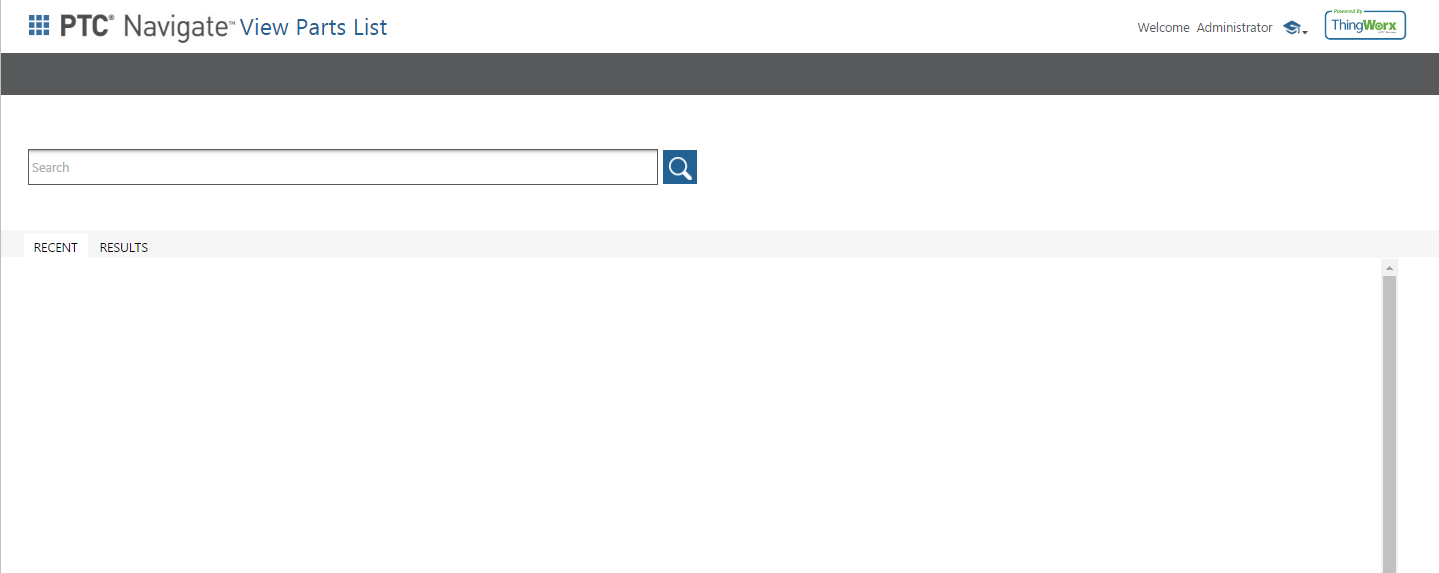
Now when I navigate to any of these tiles like for e.g. take View Parts List the the page comes up is:
Now I have also installed the patch on my local windchill side.
But how would I able to use this functionality.
I gave some part numbers in the box but it says no records exists.
What this whole navigate is for?
What can I do with that?
I read articles and ptc blogs and whatever I got I implemented but now I am not getting which it seems I should get.
Can you please help me get the results.
Thanks.