1-Visitor
December 25, 2019
Solved
unable to open navigate landing page
- December 25, 2019
- 1 reply
- 2537 views
The universal way for all users to access the OOTB Landing Page is to use this URL in the browser address bar:
[http|https]://<TWX_SERVER>:<PORT_NUMBER>/ThingWorx/Mashups/<MASHUP_NAME>
Example:
https://twx.domain.com:8443/ThingWorx/Mashups/LandingPageAccessAppMashup
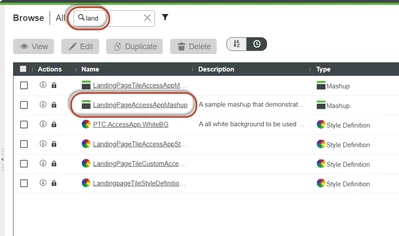
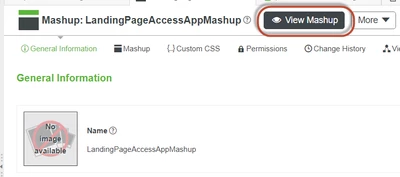
Users with access to Composer can also follow these steps, although they involve more clicks. Search for “land”; click on” LandingPageAccessAppMashup”; click on the black “View Mashup” button:


Enter your E-mail address. We'll send you an e-mail with instructions to reset your password.