

Question
3D curve from 2 sketches
The following is an example of intersecting 2 sketches to create a
3-dimensional curve that can be used for sweeping cables or as a
boundary for the boundary blend tool.
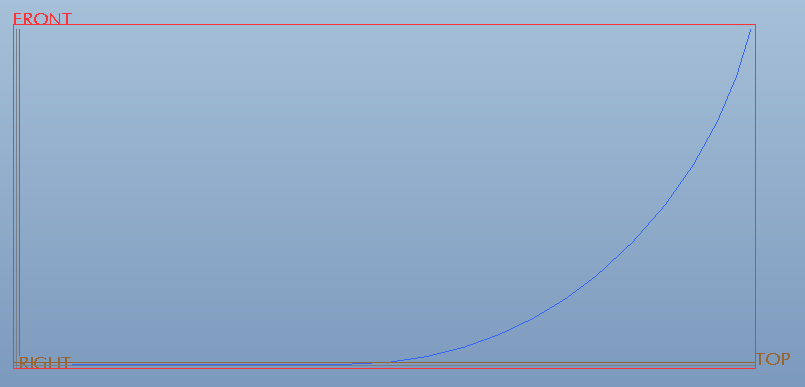
Sketch 1
- A line and two arcs sketched on the Front plane.
Sketch 2
- 2 lines and 2 arcs sketched on the Top plane.
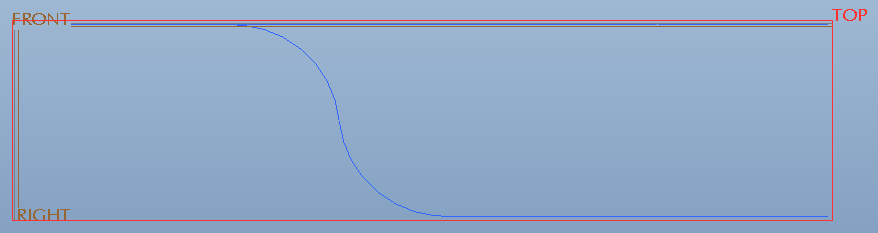
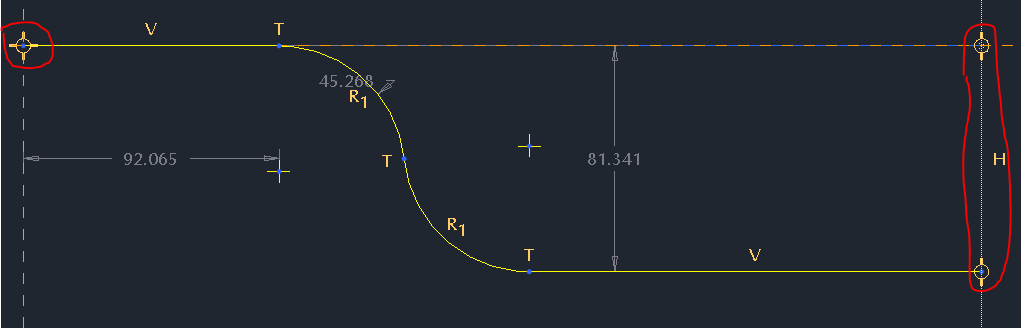
- Note: The endpoints of the sketches are colinear, but they
do not have to be coincident. In other words, they should be
the same length, but they do not have to touch. However, the
feature will still work, but with gaps in the 3D curve.
Intersect
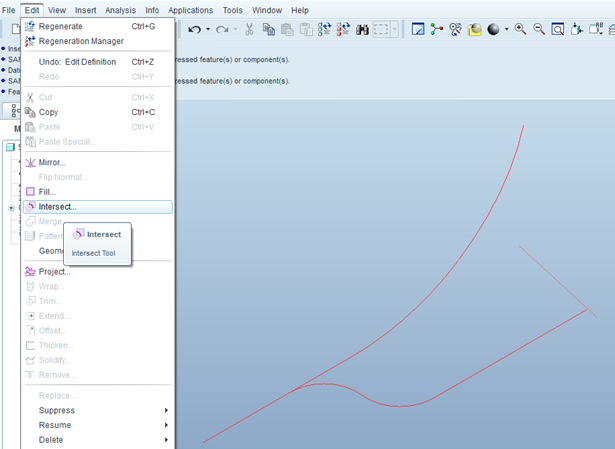
- CTRL select both sketches, then choose Edit>Intersect. No dashboard menu
will appear, there will be an instant 3D curve.
- The following images show the curve being used for sweeping a circular section and creating a Boundary Blend.
Note: an additional curve was used to create the Boundary Blend.
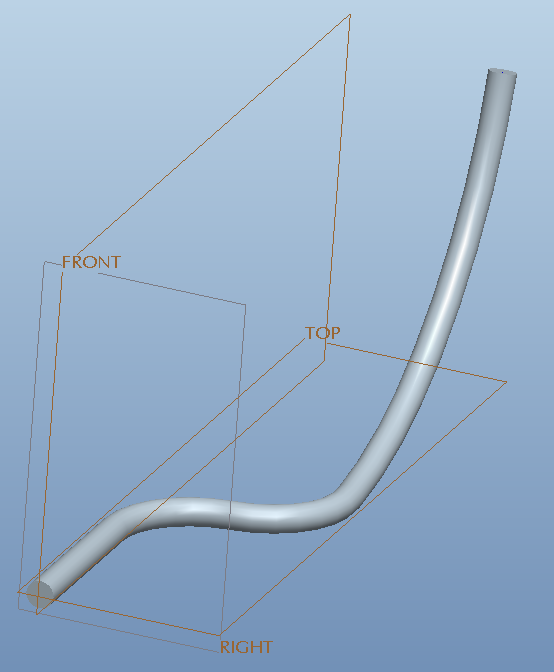
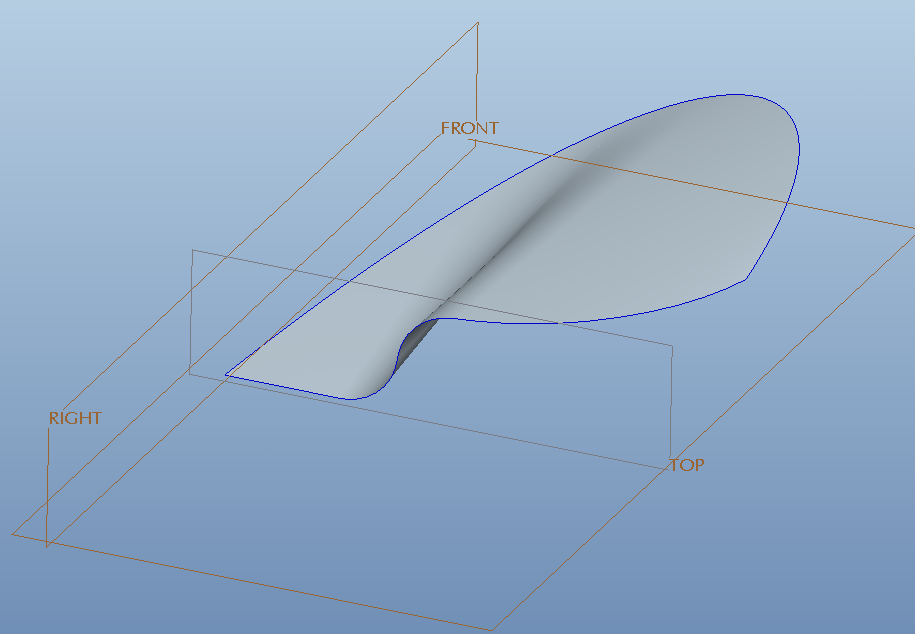
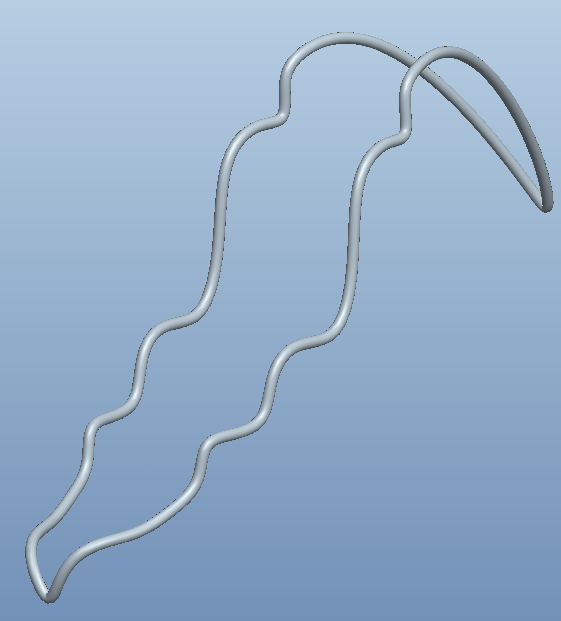
 This tool is a lot of fun to experiment with, try it out. It works with closed sketches, too! Here are
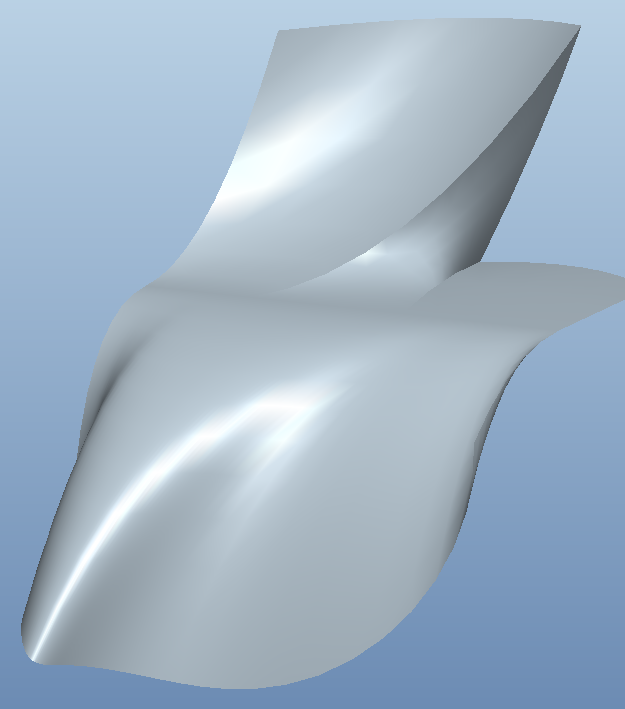
a couple more examples. The first one uses a closed and an open sketch. The other uses two intersected
curves and a sketch for a 3-chain Boundary Blend in one direction.
This thread is inactive and closed by the PTC Community Management Team. If you would like to provide a reply and re-open this thread, please notify the moderator and reference the thread. You may also use "Start a topic" button to ask a new question. Please be sure to include what version of the PTC product you are using so another community member knowledgeable about your version may be able to assist.