Solved
Adding "Dark Background" option to the config.pro file
Hi All,
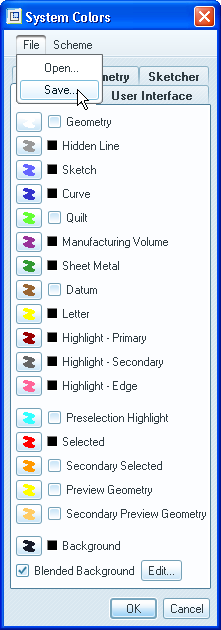
What do I need to add to my config.pro file to make the "Dark Background" option be activated when I start the program? I know it's easy to go to options and all, but I'd like to get rid of that extra step.
If there isn't a way to do this, then how can I change the color for the dimensions (in both the sketch and when they appear on the 3D model) in the config.pro file? I have searched high and low and cannot figure out how to do this.
Thanks,
Sam
This thread is inactive and closed by the PTC Community Management Team. If you would like to provide a reply and re-open this thread, please notify the moderator and reference the thread. You may also use "Start a topic" button to ask a new question. Please be sure to include what version of the PTC product you are using so another community member knowledgeable about your version may be able to assist.