Solved
Area of a closed loop in drawing
Hello,
I am a relatively new ProE/CREO 2.0 user. I used to work with Solid Edge 4 and NX7.5, but in my new department they are using Wildfire 4.0 and are STILL thinking about moving to CREO 2.0. It did not stop me from trying Creo2.0.
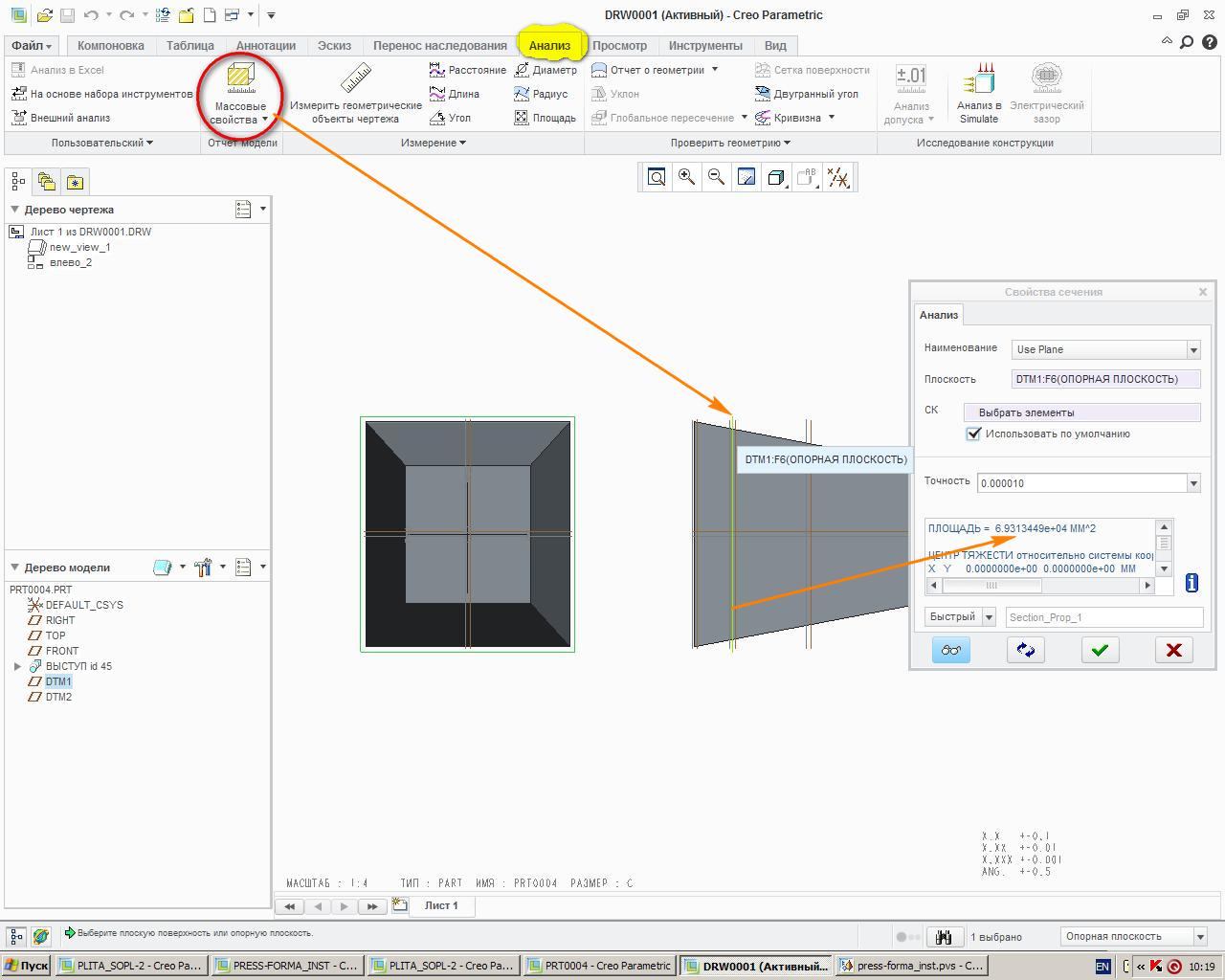
Concerning the topic, when making a drawing in Solid Edge, I used to be able to the area of ANY closed loop in 3 clicks ("Inspect" Tab-->"Area" icon --> Click on the "closed loop"..Tadaaaa!!!). Is there a way to do the same thing in ProE or Creo2.0??? especially when you have a variable sweep geometry, you created a section view in your drawing, and you want to know the area of the section without having to go back to the 3D model...for example...
Thank you in advance for your answer.
Stephane
This thread is inactive and closed by the PTC Community Management Team. If you would like to provide a reply and re-open this thread, please notify the moderator and reference the thread. You may also use "Start a topic" button to ask a new question. Please be sure to include what version of the PTC product you are using so another community member knowledgeable about your version may be able to assist.