
1-Visitor
September 6, 2013
Solved

Assembly mode cuts and chamfers in Creo 2 M50

  • September 6, 2013
  • 2 replies
  • 3064 views

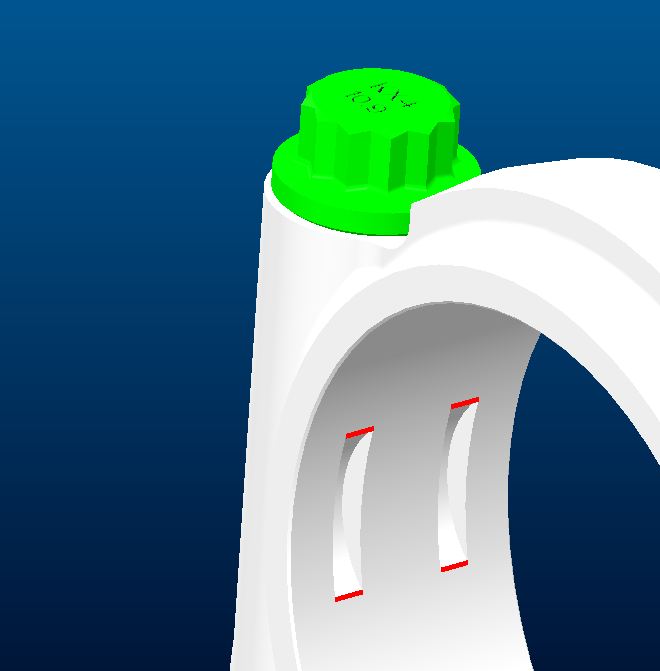
I am looking to create several cuts and then break the edges with a chamfer in assy mode.

I created the cuts and select the edges and the chamfer icon is greyed out.

Did we loose functionality in Creo? (I just updated from WF4)
 

chamfer.JPG


This thread is inactive and closed by the PTC Community Management Team. If you would like to provide a reply and re-open this thread, please notify the moderator and reference the thread. You may also use "Start a topic" button to ask a new question. Please be sure to include what version of the PTC product you are using so another community member knowledgeable about your version may be able to assist.
Best answer by StephenW

Chamfers and rounds have never been available in Assembly mode.

The reason according to PTC is that they have the ability to add material (think of the internal corner chamfer or round) and in an assembly, you can only add “material” by assembling parts (or assemblies).

I guess it’s a valid reason but I really don’t agree with it.

Steve²

2 replies

StephenW
StephenW23-Emerald IIIAnswer
23-Emerald III
September 6, 2013

Chamfers and rounds have never been available in Assembly mode.

The reason according to PTC is that they have the ability to add material (think of the internal corner chamfer or round) and in an assembly, you can only add “material” by assembling parts (or assemblies).

I guess it’s a valid reason but I really don’t agree with it.

Steve²

17-Peridot
September 6, 2013

In today's fabrication world, adding material at the assembly level is quite likely in cases of deposition, coatings and treatment, or even screening processes. It is a shame these capabilities were not enhanced with the advent of Creo.