

Boundary-Blend Problem
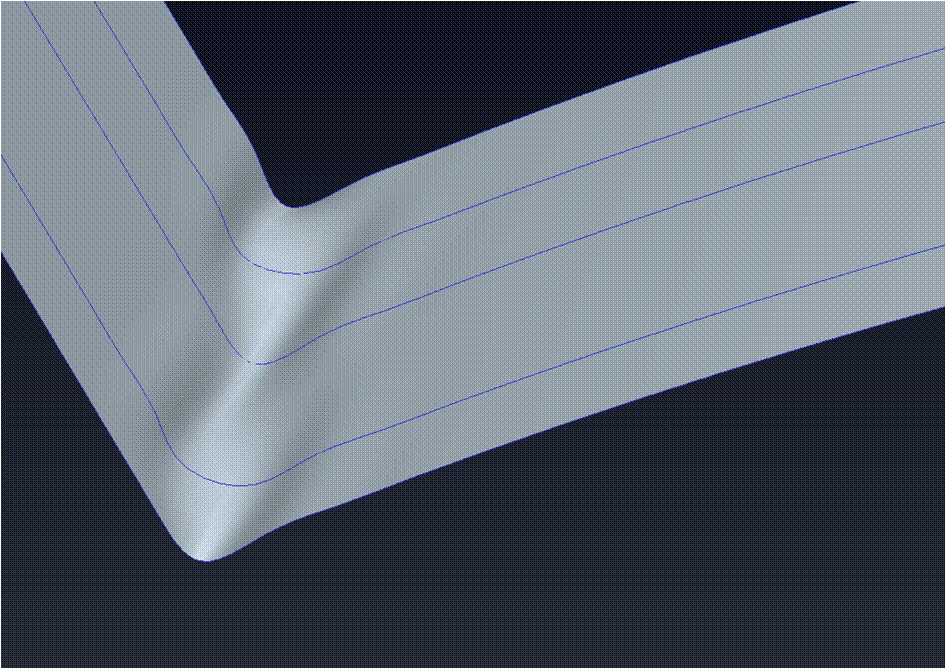
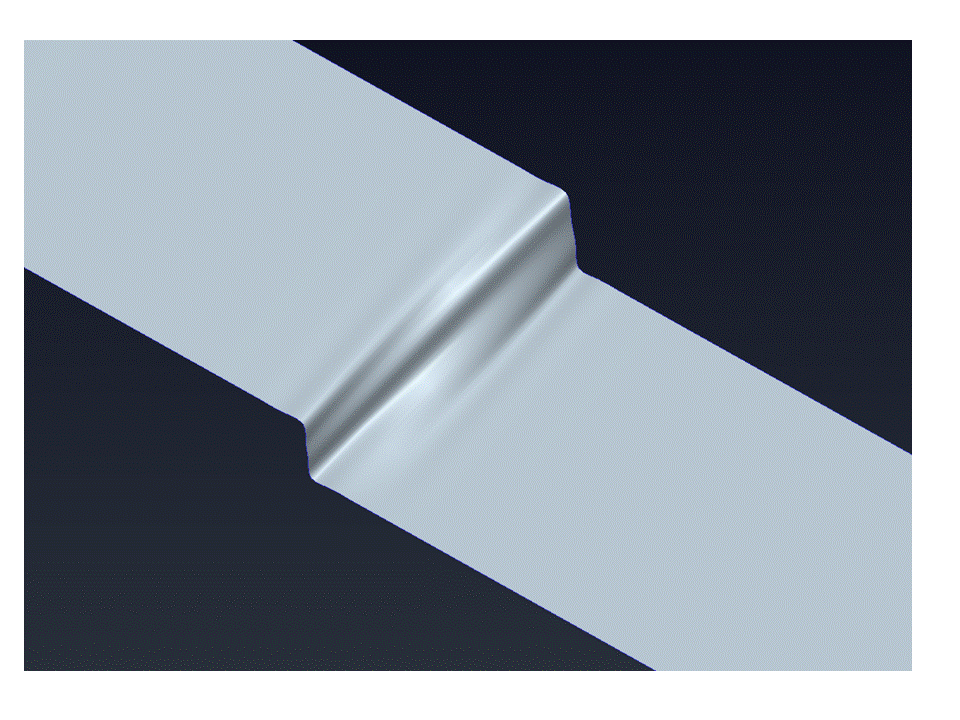
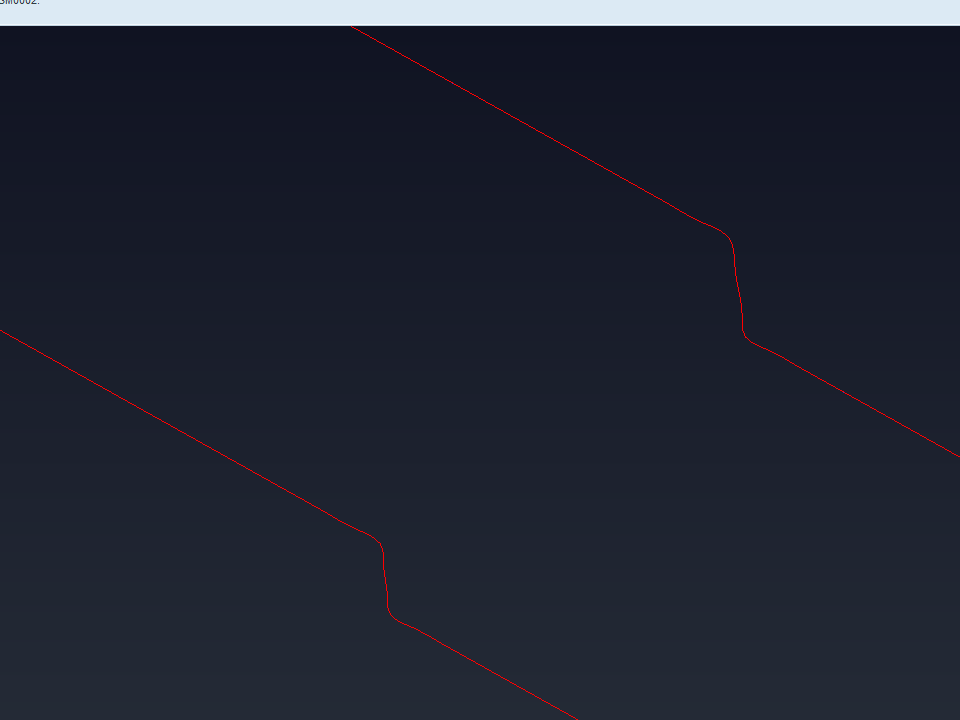
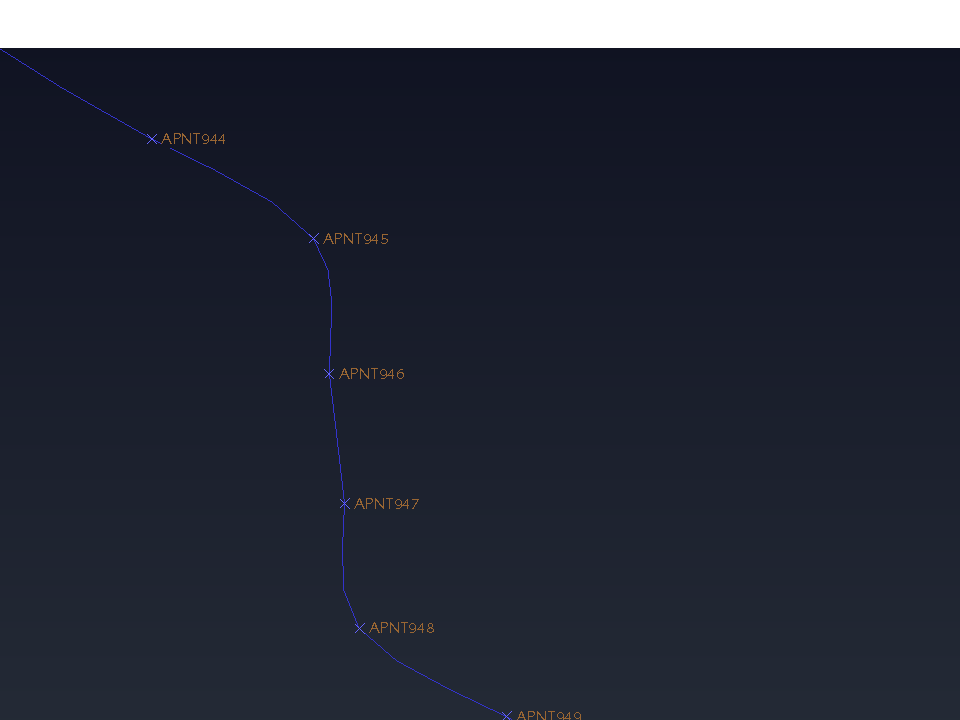
When I use “Boundary Blend” in Creo, part mode, some of the blend/shell is not smooth and I’m not sure how to correct this. I’m reading in points from an external Excel file, than I use “Curve”, “Through Points” to connect the points, this is where I believe the problem starts. In "Ideas CAD" it would constrain the curve to every point giving a nice smooth section. If you look at the attached file you can see the connecting curves in Creo is very wavy. It only happens when there's an abrupt change in direction. Does anyone have a suggestion to correct this problem? The attachment only shows two sections a few inches apart. When completed the part I’m trying to create could be 12 feet long with multiple sections. Is there a better way of creating this?
This thread is inactive and closed by the PTC Community Management Team. If you would like to provide a reply and re-open this thread, please notify the moderator and reference the thread. You may also use "Start a topic" button to ask a new question. Please be sure to include what version of the PTC product you are using so another community member knowledgeable about your version may be able to assist.