

Question
Calling out Counter bores in Drawings.
So I have a question. How do you call out counter bores in your drawings? Is there a automatic way to call them out that i am just not finding?
So we have simple hole counter bores in our sheetmetal parts, we then want to call these out on the drawings. The info should all be there somewhere right?
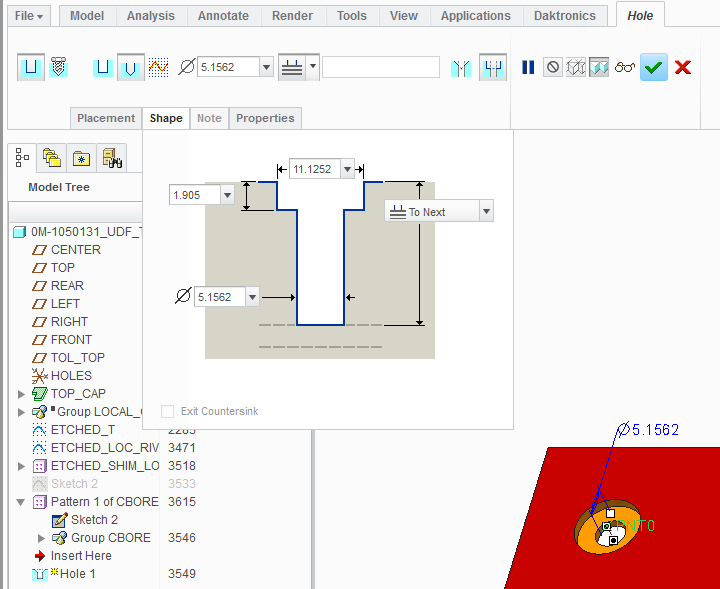
But we have to manually create the counter bore callout in the drawing.
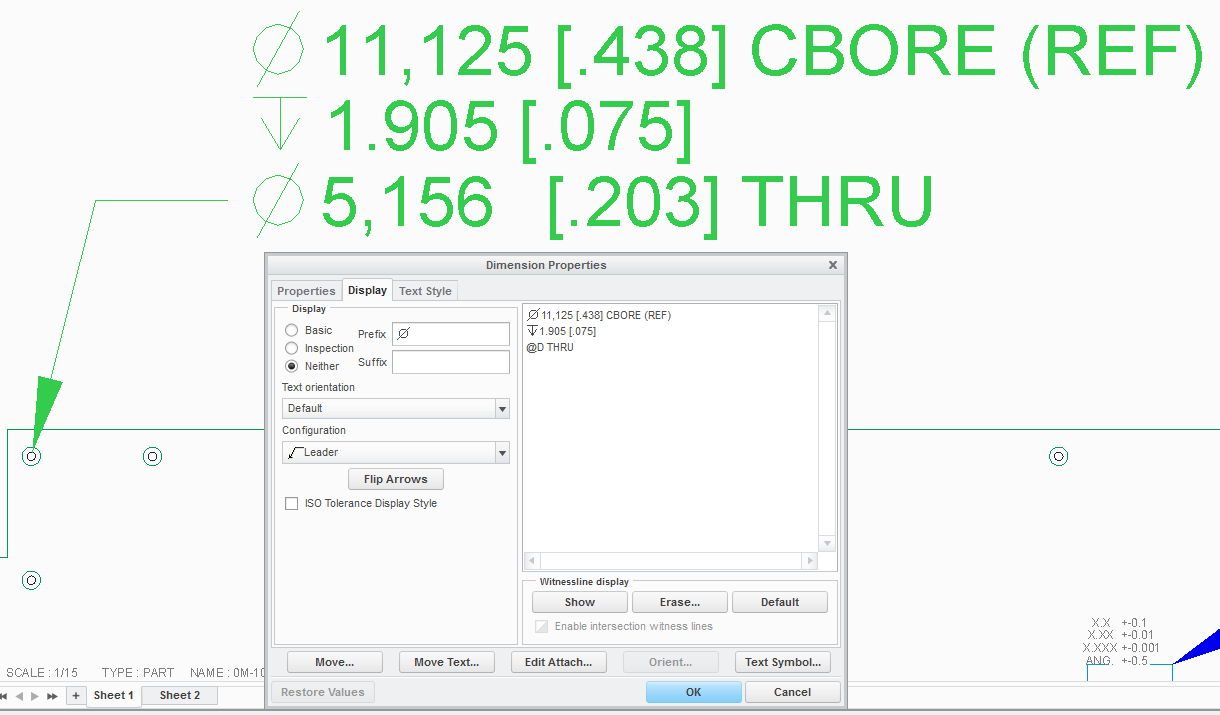
This is a dual dim drawing with metric as primary. Shouldn't Creo be able to recognize this as a counter bore in the drawing (or 3D annotation) and show it as something one might use in the industry? It is one feature after all.
Thanks.
This thread is inactive and closed by the PTC Community Management Team. If you would like to provide a reply and re-open this thread, please notify the moderator and reference the thread. You may also use "Start a topic" button to ask a new question. Please be sure to include what version of the PTC product you are using so another community member knowledgeable about your version may be able to assist.