1-Visitor
October 17, 2014
Solved

Can someone tell me why this unbend fails?

  • October 17, 2014
  • 3 replies
  • 4816 views

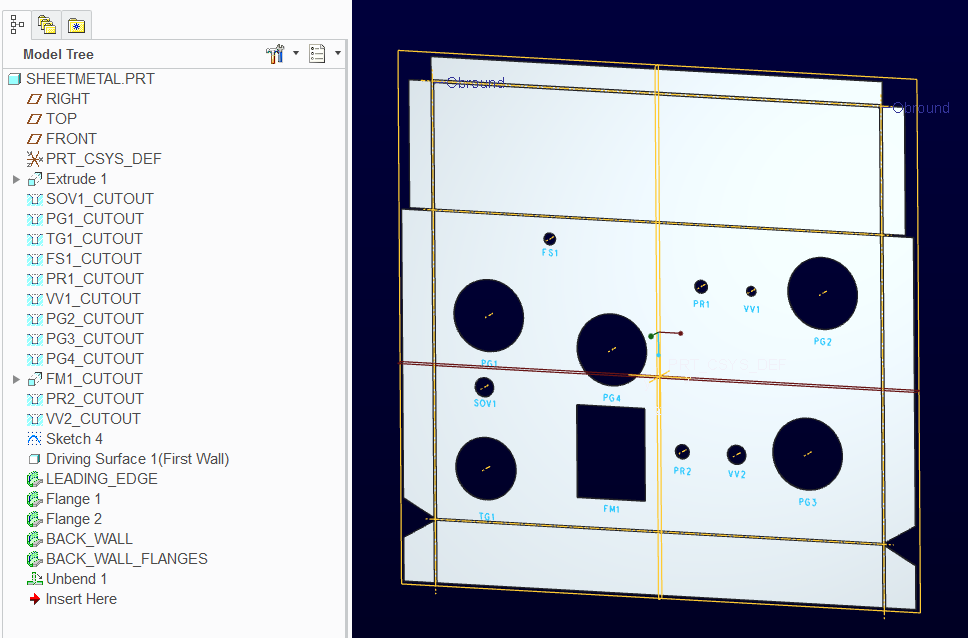
If there is a sheetmetal expert out there, could you open the attached file and tell me why this sheet metal model will not unbend or flatpatteren.

Not sure what other information you might need, just let me know.

Creo 2.0 M090

Windows 7 64bit

Thanks


This thread is inactive and closed by the PTC Community Management Team. If you would like to provide a reply and re-open this thread, please notify the moderator and reference the thread. You may also use "Start a topic" button to ask a new question. Please be sure to include what version of the PTC product you are using so another community member knowledgeable about your version may be able to assist.
Best answer by TomD.inPDX

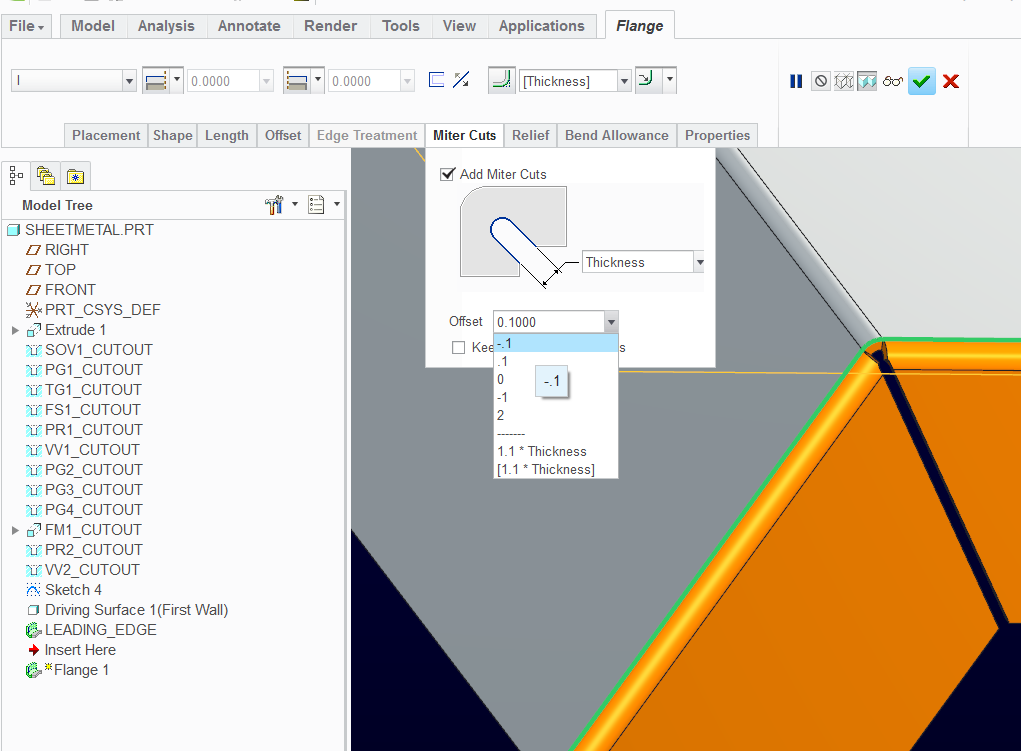
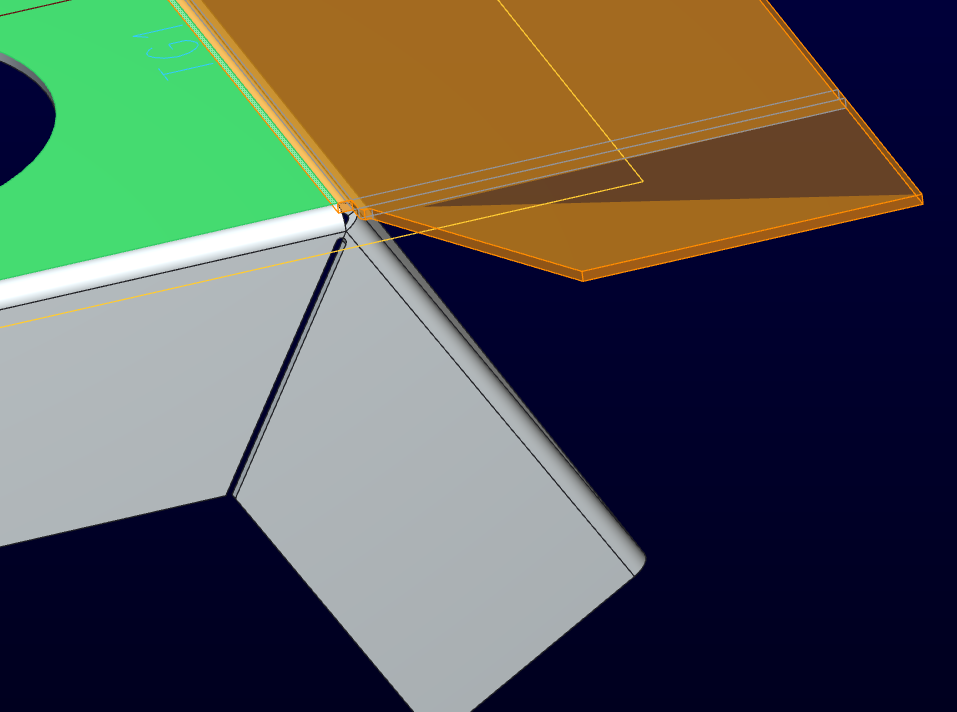
I ran into this the other day. You have an interference in the corner of flange 1 and flange 2.

Change the miter to "-0.1" on both and it will unfold properly.

sheetmetal_interference.PNG

sheetmetal_interference_II.PNG

sheetmetal_interference_III.PNG

3 replies

17-Peridot
October 17, 2014

I ran into this the other day. You have an interference in the corner of flange 1 and flange 2.

Change the miter to "-0.1" on both and it will unfold properly.

sheetmetal_interference.PNG

sheetmetal_interference_II.PNG

sheetmetal_interference_III.PNG

bhale1-VisitorAuthor
1-Visitor
October 17, 2014

You really are a sheet metal expert. I have been fighting this thing half the day! Thank you very much.

17-Peridot
October 17, 2014

Happy to help, Brian

17-Peridot
October 21, 2014

Change Relative Accuracy into Absolute Accuracy.see the gif.just click it.111.gif

bhale1-VisitorAuthor
1-Visitor
October 21, 2014

Blue Duncan

Interesting, that worked also.

Ok, now does that mean I had overlaping geometry or not? And what is the purpose of the small touching surfaces, are they supose to be there? Keeep in mind i am not a sheetmetal guy.

Capture.PNG

17-Peridot
October 21, 2014

Normally a shop would put a round punch right there to get a minimal bend relief. However, they do need some clearance because the need to overbend the part to have it relax at 90 degrees.

Blue always comes up with great solutions. Why this fails at the default accuracy settings is something I hope PTC will look at Sheetmetal still has a lot of growing up to do.

7-Bedrock
October 22, 2014

The reason the unbend fails, is because of the accuracy.

In sheet metal it is recommended to use absolute accuracy (which now is the default for sheet metal parts), and not relative.

In this part, the thickness is small compared to part size, and since the accuracy is relative, at some point the part size is big enough to make the accuracy too big to properly create the reliefs, which contain small edges which their size is proportional to the thickness.

You can see, if you make the part smaller by changing some dimensions, the unbend will work. For example if you change the height of wall BACK_WALL from 10 to 5, the unbend will work.

bhale1-VisitorAuthor
1-Visitor
October 22, 2014

Great explanation! Thank you for sharing it.