

Question
Cannot Display Evaluate Feature Parameter in Drawing?
The display of this parameter in the drawing was fine on Friday. This is Monday and the drawing quit recognizing the parameter in a note or any note. The drawing is of a Family Table instance. As shown below review of the value (instance) in the relationship editor shows:
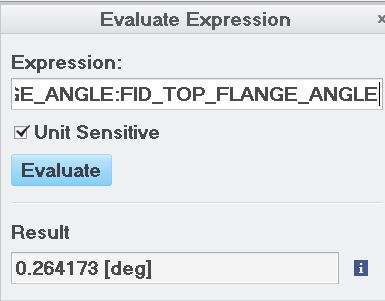
I cannot get it to display in the drawing:

I have attempted just inserting a note into the drawing and it will not display the parameter value? Anyone have any idea of why?
This thread is inactive and closed by the PTC Community Management Team. If you would like to provide a reply and re-open this thread, please notify the moderator and reference the thread. You may also use "Start a topic" button to ask a new question. Please be sure to include what version of the PTC product you are using so another community member knowledgeable about your version may be able to assist.