
12-Amethyst
June 8, 2012
Solved

Center line Datums

  • June 8, 2012
  • 3 replies
  • 4949 views

I'm wondering if there is a better way to create a datum that is centered between two parallel surfaces. I currently measure the distance between the two surfaces then creating a offset datum plane that is the measured distance/2. This however presents a problem if the measured value changes, the created plane is no longer centered. Any ideas on how to better accomplish this?
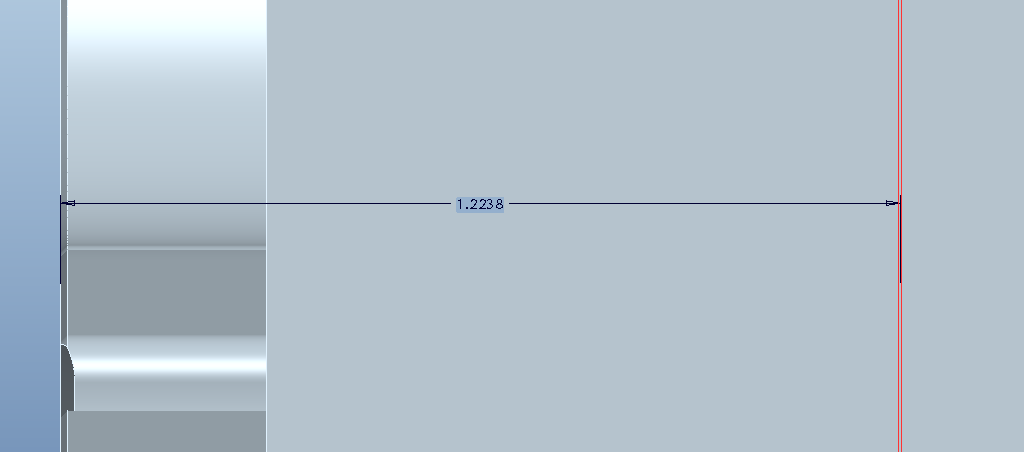
datum.PNG


This thread is inactive and closed by the PTC Community Management Team. If you would like to provide a reply and re-open this thread, please notify the moderator and reference the thread. You may also use "Start a topic" button to ask a new question. Please be sure to include what version of the PTC product you are using so another community member knowledgeable about your version may be able to assist.
Best answer by ptc-20197

Just create a relation (Tools - Relations in WF5.)

distance to offset datum plane = distance between surfaces / 2

example:

dXX= dYY / 2 (just use info - switch dim to see what the dimension symbols are).

In case there is no dimension between the two parallel surfaces, you can always create an analysis feature (make sure to elect to create a parameter with the feature) and use the analysis feature parameter in the relation.

3 replies

10-Marble
June 8, 2012

Is there a reason you didn't create the surfaces symetrical about a datum? Maybe you could attach the part so we can see the model intent?

12-Amethyst
June 11, 2012

If I designed it i would have unfortunatly I cannot attach the part but i can make it this question simpler. Is there a way to to create a datum plane that is centered parametrically between 2 parallel datum planes?

17-Peridot
June 9, 2012

It depends on how clean you want it, but parametric is not hard.

I would have started with a small hole in the intended slot location followed by a cut for the slot using the axis of the hole as a sketch reference.

I suspect there are many other ways, but this one limits the number of reference features required.

ptc-201971-VisitorAnswer
1-Visitor
June 11, 2012

Just create a relation (Tools - Relations in WF5.)

distance to offset datum plane = distance between surfaces / 2

example:

dXX= dYY / 2 (just use info - switch dim to see what the dimension symbols are).

In case there is no dimension between the two parallel surfaces, you can always create an analysis feature (make sure to elect to create a parameter with the feature) and use the analysis feature parameter in the relation.