

Changing Default Drawing Font in Creo 2.0 to user-defined Font
I'm trying to change the default font i.e "Font" to "Arialuni.ttf". I read various topics in this Community to resolve my issue but nothing really helps me. Firstly, I try to change the font from the drawing window i.e., File/Options/Configuration Editor but I don't see any default_font option over there to change it to "Arialuni.ttf".
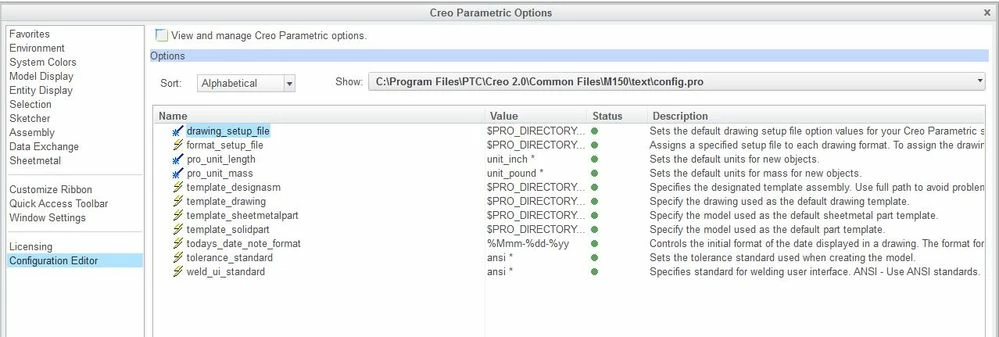 so, I try to modify font from the C:\Program Files\PTC\Creo 2.0\Common Files\M***\text & under the files "prodesign.dtl", "prodetail.dtl", "prodiagram.dtl" and change the font to "Arialuni.ttf" i.e.,
Even after doing this, the font still points to the "font" style irrespective of the default _font setup.
so what am I missing here? There must be an additional setting somewhere driving this, correct?
Any help would be appreciated.