3-Newcomer
June 15, 2023
Solved

Connecting 2 surfaces with different radii to make angled extrusion Cro 9.0.1.0

  • June 15, 2023
  • 2 replies
  • 4668 views

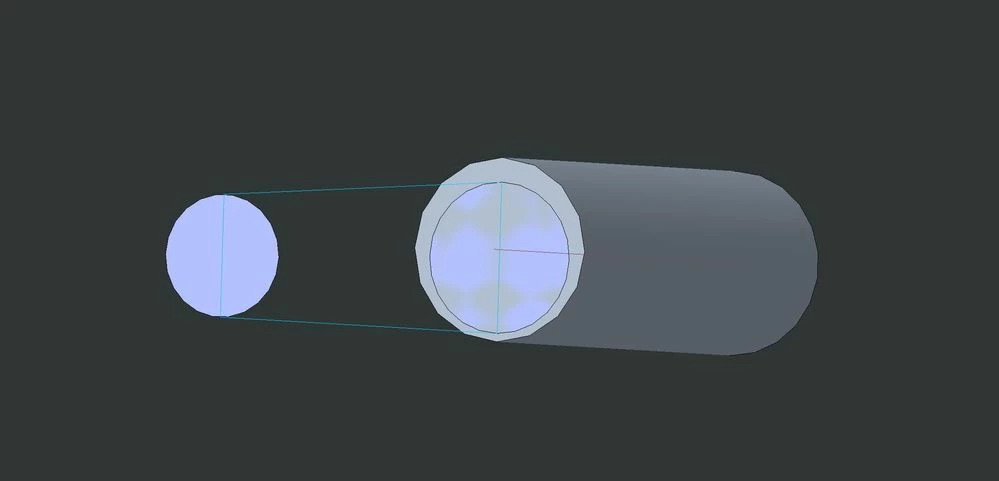
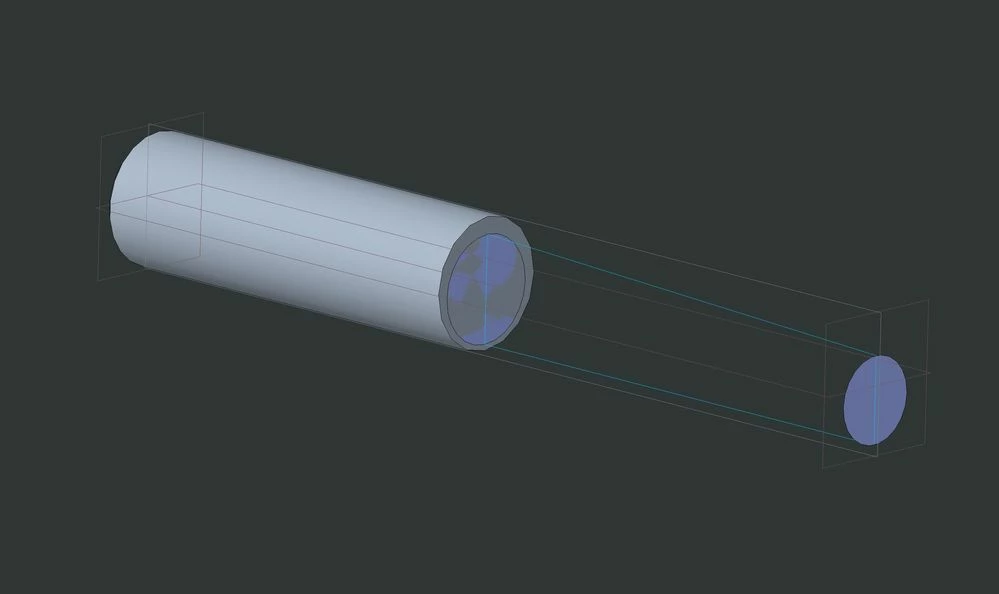
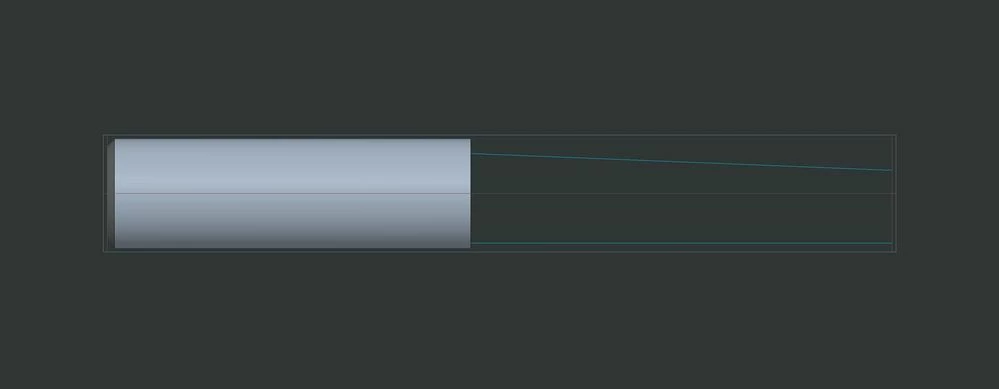
Im trying to make a part that had an angled end to it and each end is a different radius and ive been trying to figure out what to do I've looked up videos looked on here and nothing to help me so far this is probably a very easy problem to fix for someone who knows what they're doing so hopefully I can get some help on this ive attached a few pictures as well thanks. The diameter of the big circle is .308" and small one is .205" and the feature is 1.450" long
 

Surface Connection.JPG


Surface Connection 2.JPG


Surface Connection 3.JPG


Best answer by tbraxton

Watch this video for details on how to create the relation with trajpar.

2 replies

kdirth
21-Topaz I
21-Topaz I
June 15, 2023

Looks like you may be close.  You do not show your tree, so I don't know how you created what you have.  Create a boundary blend between the two ends, merge the surfaces and solidify.

kdirth_0-1686847251589.png


There is always more to learn.
3-Newcomer
June 15, 2023

so ive got half of it to work but when I go to the other side it doesn't work again I'm not sure if I'm doing something wrong I assume I am since I can't get the whole thing to connect any advice? Thank you.Surface Connection 4.JPG


Surface Connection 5.JPG


kdirth
21-Topaz I
21-Topaz I
June 15, 2023

You do not need a second direction for the boundary blend.  When selecting the chains for the first direction hold Shift to add the second side of the circle.

See Attached 7.0 model.


There is always more to learn.
tbraxton
22-Sapphire II
22-Sapphire II
June 15, 2023

See the enclosed Creo 7 model. Variable section sweep handles this nicely and is quite robust. There is a relation in the sweep section that defines the rate of taper from .308 to .205 diameter. Sketch 1 is used as the trajectory and the sweep section is constrained to the trajectory to get the desired geometry.


tbraxton_0-1686849022909.png


3-Newcomer
June 15, 2023

could you send me a picture of the sweep details so I can just see how you did it?

tbraxton
22-Sapphire II
22-Sapphire II
June 15, 2023

Are you not able to open the model I posted above? Are you using an educational license?