

Question
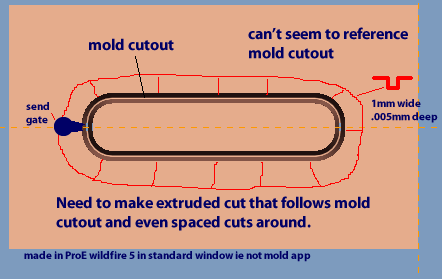
create pattern around mold cavity
ProE Wildfire 5
Part file: Attached (note the unfinished pattern is suppressed so use tree filter to see it and resume it)
I have to create a pattern around a mold cavity that is going to change so it needs to be able to update plus I have others to do so I need to know the best practice for it.
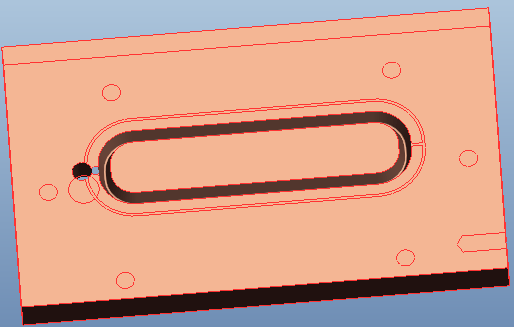
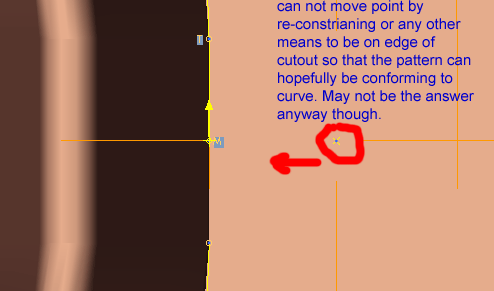
was able to make the outer cut by using the Offset>Chain command. I also made the joining cut 2 ways by drawing a sketch and by using a "thicken" line extrude, because of the following issues to see if one would work better (turns out it does not matter).
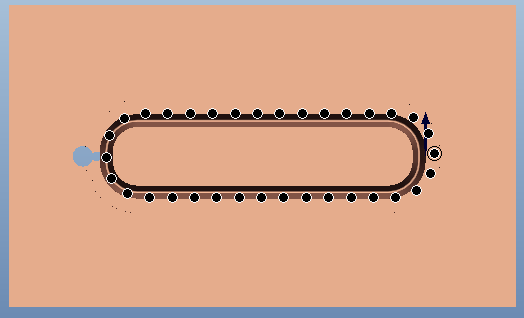
So the pattern is way off but starts ok.
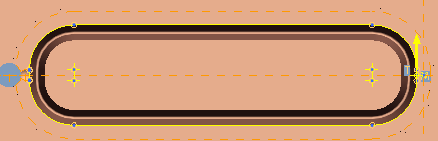
Above is the pattern sketch made and used.
This thread is inactive and closed by the PTC Community Management Team. If you would like to provide a reply and re-open this thread, please notify the moderator and reference the thread. You may also use "Start a topic" button to ask a new question. Please be sure to include what version of the PTC product you are using so another community member knowledgeable about your version may be able to assist.