14-Alexandrite
August 21, 2023
Solved

Creating section views in drawing

  • August 21, 2023
  • 3 replies
  • 4303 views

Hi

How would I go about in creating section C-C in Creo 9.0 
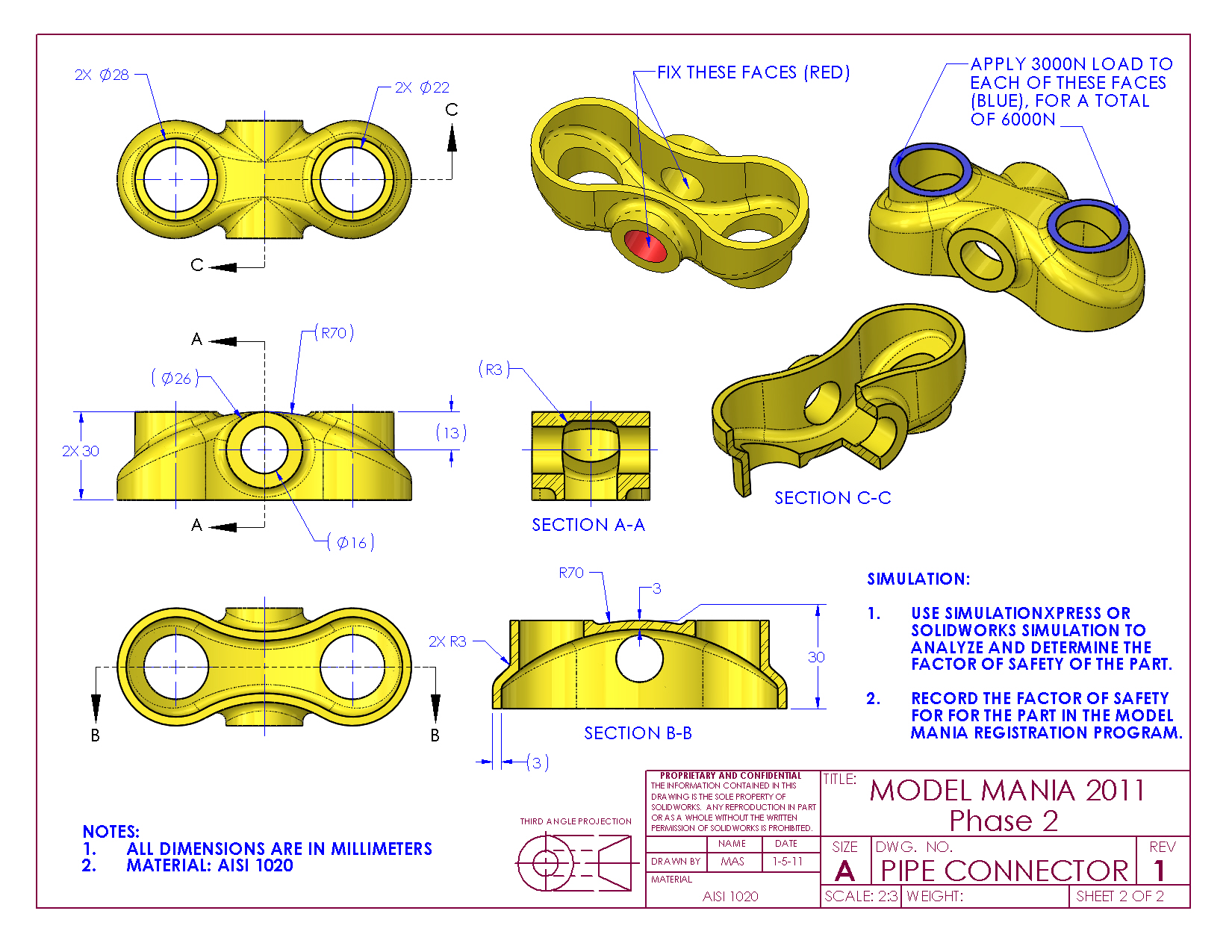
I tried creating a zone and although that does give me the 3d view it does not give me an option to show the section lines.
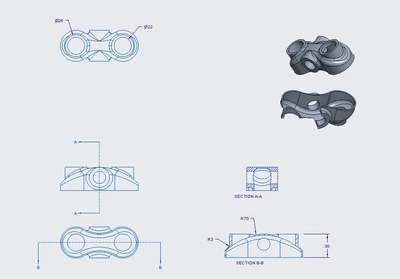

IbrahimTayyab_0-1692619341115.png


Best answer by tbraxton

One work around would be to create the offset section view on the drawing but place it outside the drawing format border. It will not show up in the drawing when printed but will allow you to place the section lines for section C-C on a view within the border.

3 replies

23-Emerald III
August 21, 2023

In the model, you create an offset section.

In the drawing, when you set the section, you'll use Full(unfolded) in the section properties. You'll need and axis at the center to unfold in the drawing.

23-Emerald III
August 21, 2023

Oh, wait, I didn't see its a 3D view in the drawing. Zone is right, I haven't used it but a handful of times, don't think I ever needed section lines.

tbraxton
22-Sapphire II
tbraxton22-Sapphire IIAnswer
22-Sapphire II
August 21, 2023

One work around would be to create the offset section view on the drawing but place it outside the drawing format border. It will not show up in the drawing when printed but will allow you to place the section lines for section C-C on a view within the border.

14-Alexandrite
August 23, 2023

Thanks a lot I completely forgot about offset section view. Also that's quite a neat workaround, I never thought about using the space outside the border.

24-Ruby III
August 21, 2023

Hi,

Offset x-section enables you to get following view. Unfortunately section view cannot be displayed in shading mode.

MartinHanak_0-1692626620931.png
