

Question
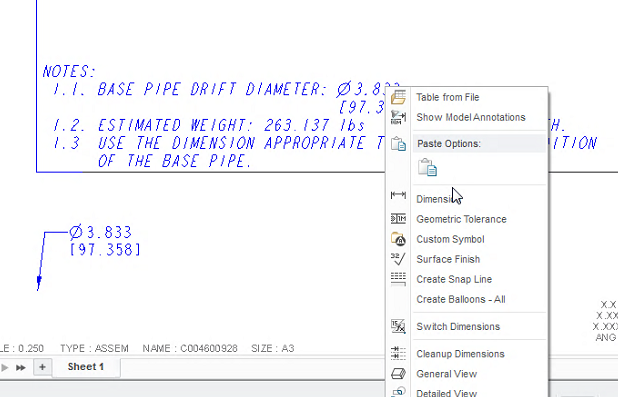
Creo 3 Drawing notes - how to switch dual below/right?
Hi there, we must be missing something - it appears Creo 3 doesn't allow editing for dual dimension properties - eg: show them below or right?
In Creo 2, you can select the dimension, then right-click - Properties and adjust there - but Creo 3 has no option for this?
Nothing shows in PTC help search.
Thanks for any guidance.
Regards
Edwin
This thread is inactive and closed by the PTC Community Management Team. If you would like to provide a reply and re-open this thread, please notify the moderator and reference the thread. You may also use "Start a topic" button to ask a new question. Please be sure to include what version of the PTC product you are using so another community member knowledgeable about your version may be able to assist.