1-Visitor
January 28, 2017
Solved

Creo 3 Surface gap filling

  • January 28, 2017
  • 2 replies
  • 5998 views

Hello All,

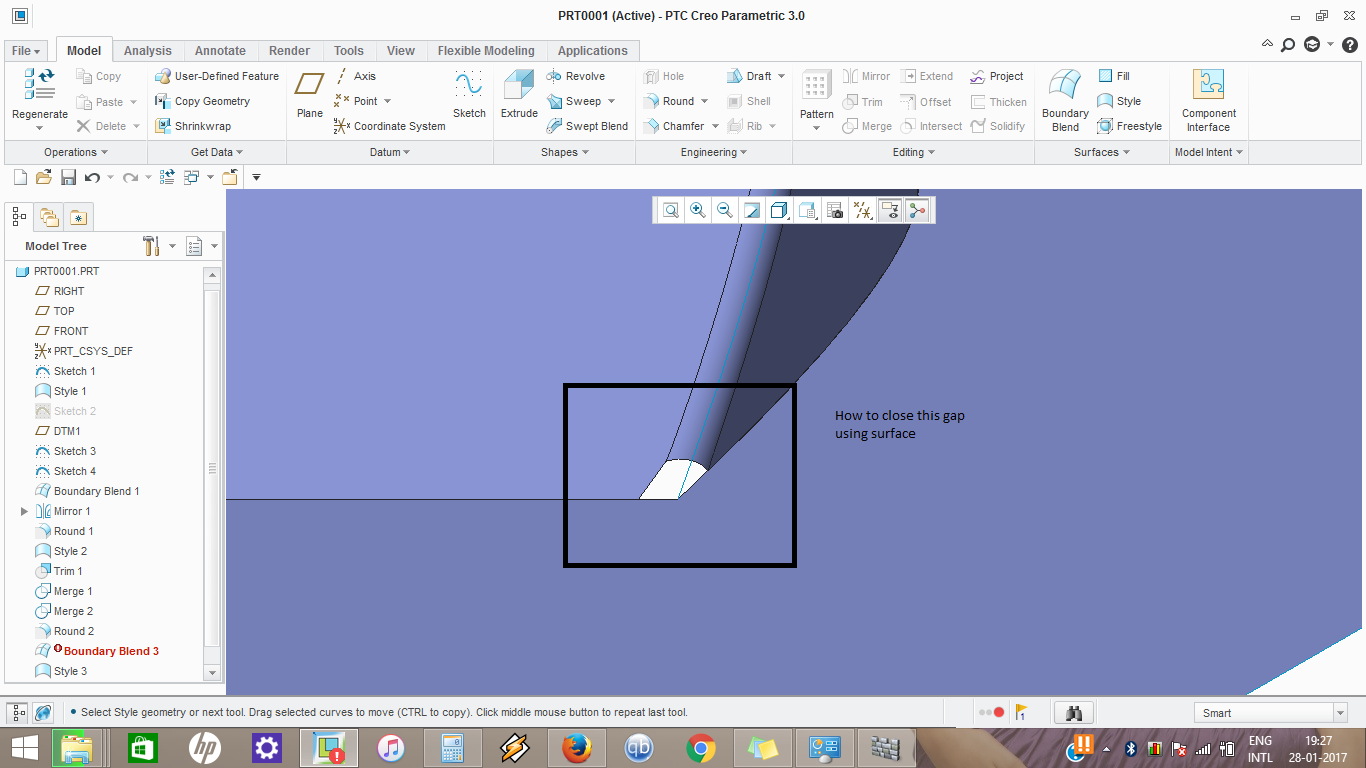
I am user of creo and I am a beginner in surface modelling in creo so I'm doing practice models. I have a doubt regrading filling a gap between surfaces I tried using boundary blend and style surface.

I am not able to do that can you please guide me how to close or patch up the gaps.

Thank you

Babusurface patch.png
Best answer by MauroStefanovic

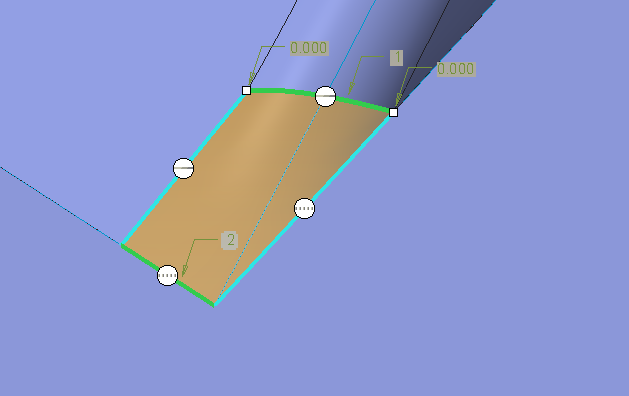
I filled your gap. You can not have tangency on 4 sides.

Cattura.PNG

2 replies

1-Visitor
January 30, 2017

Sorry, but i have to be honest. You're trying something not so simple with rookie's skills.

Anyway try to see my file.

1-Visitor
January 30, 2017

Thanks for the solution.

you've changed the model design methods to obtain the results that is one way to do it.

but I am looking for methods to fill the gap if I wasn't allowed to change the design structure as you said it will not be rookie work I am looking forward to learning it.

Thanks for the solution

Babu

1-Visitor
January 30, 2017

I filled your gap. You can not have tangency on 4 sides.

Cattura.PNG

1-Visitor
February 2, 2017

Hello,

just a note. It's often beneficial to model surfaces larger that intended and then trim/merge as needed. See attached example.

I extended the side wall below the flat surface. After that it was possible to make the round all the way and no gaps left to fill.

BR

Miika

1-Visitor
February 2, 2017

Hello Miika,

  Thanks for the response. I agree with you the solution you said is the most efficient solution to the query.

I asked the question because I was presented with this kind of problem as interview test, They specifically asked to patch up the surface that's why.

Thank you

Babu