
12-Amethyst
March 17, 2023
Solved

Datum planes remain selectables even when not displayed

  • March 17, 2023
  • 2 replies
  • 1694 views

Hello Community!


I have a weird behavior on some models and can't understand where it can come from :

With datum planes display toggle to off, I can highlight and select datum planes exactly like I would if the datum plane display was ON...


Here under a gif of this behavior (I hope it will remain with this message...) :
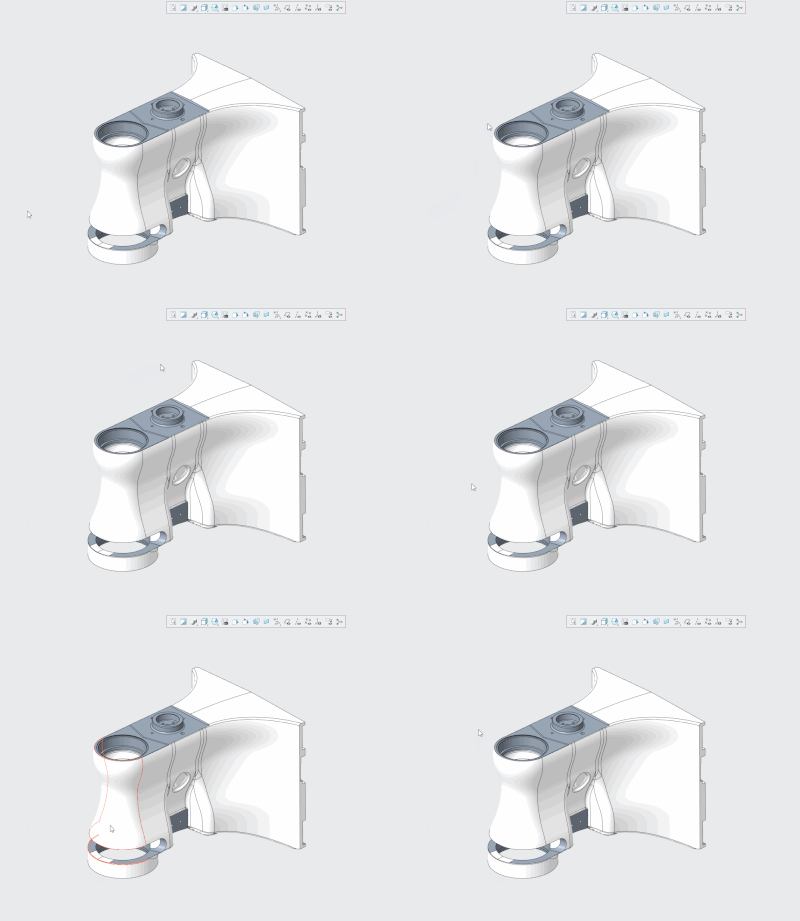
AdrienKLEIN_0-1679067656578.gif


This behavior seems to be related to the model since I can't reproduce the problem on other parts or assemblies in the same Creo session.


Have anyone seen that before? Any idea what could be the cause?


Thank you in advance!


Best answer by AdrienKLEIN

Hello again Community!

I finally found out what was the matter with datum planes in this case :


CAD model was originally created with Creo 3, therefore datum tags were created in the old fashionned way, and weren't converted yet. The result was the behavior described in this topic, I don't know if it is on purpose or not though....


Anyway, after using  Legacy Datum Annotations Conversion tool, anything went back to normal.

2 replies

joe_morton
18-Opal
April 13, 2023

Thanks for the gif, it makes it really easy to see the issue! Can't say that I've seen it before though. 


A thought in case it helps - you could turn off preselection highlighting while working on problem model, just so you don't get the planes flashing. Config option "prehighlight".


12-Amethyst
April 20, 2023

Hello @joe_morton 

Thank you for your answer and also for the trick! 🙂

Unfortunately I guess the users won't really like it if the prehighlight is disabled (I personnaly wouldn't like at all!!)


I try to figure out why a hidden datum plane can be directly selected and I have no clue yet, hope someone also experienced that issue...

AdrienKLEIN12-AmethystAuthorAnswer
12-Amethyst
May 24, 2023

Hello again Community!

I finally found out what was the matter with datum planes in this case :


CAD model was originally created with Creo 3, therefore datum tags were created in the old fashionned way, and weren't converted yet. The result was the behavior described in this topic, I don't know if it is on purpose or not though....


Anyway, after using  Legacy Datum Annotations Conversion tool, anything went back to normal.