

Dimension text color changes when dimension's bounds are altered - what settings control this?
I have a part that has a hole with size of 12 H7. If I leave the 12mm diameter dimension at "nominal", then on the part's drawing, the text is yellow (the color of the "Letter" entities - as expected).
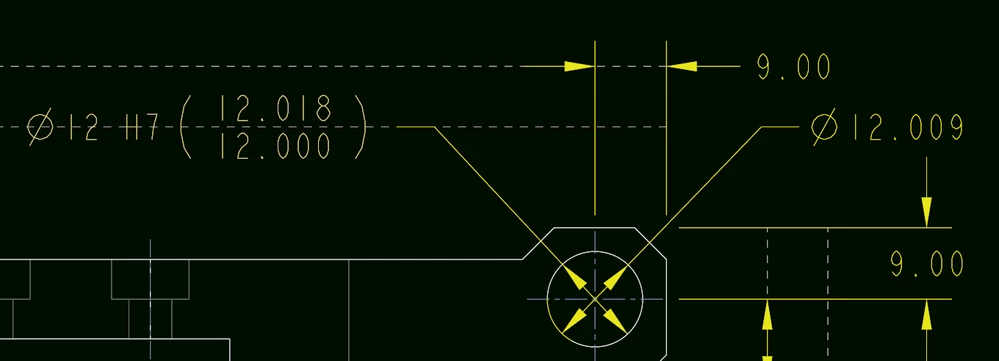
However, when I modify the model so as to have this dimension assume its "middle" value (via the model->analysis->tolerance analysis in the Design Study group->dimension boundaries->set to "middle"), then the text color changes to this peachy color shown in the screenshot. This color is not in any of our color settings as far I can tell...
And I don't mind it being different because it draws attention to a special fit, but it comes out so pale that on PDF prints it is not visible...
Regenerating / updating draft / etc... does not have an effect... I can make this peachy dimension have a different color (including the yellow "letter" color) - if I manually apply it to the text style, but I'm hoping there is a setting that will do this automatically?