1-Visitor
April 8, 2014
Solved

Does anybody know why this is happening?

  • April 8, 2014
  • 2 replies
  • 9399 views

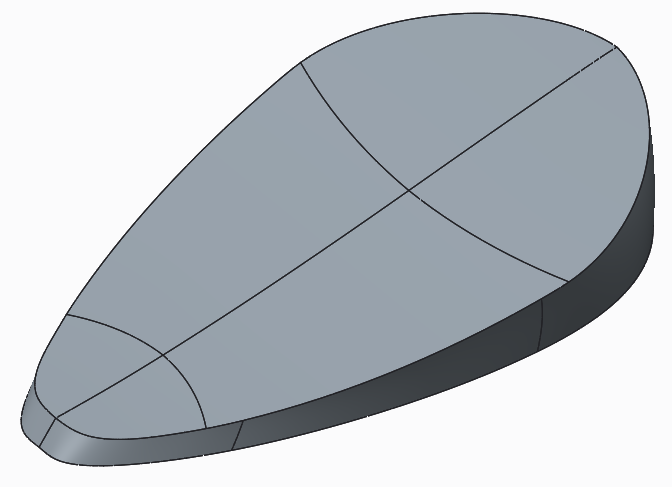
I have created a part which when halved looks fine: http://i.imgur.com/i26Qb5I.png?1, but when I try to mirror it something really screws up. This is what happens when immediately after mirroring: http://i.imgur.com/Uh4AkYB.png. This is what happens the moment I scroll in or out: http://i.imgur.com/oK2wW3H.png. I understand why the surfaces have mirrored but I don't get why the thickened walls just disappear. Does anyone have any ideas? I've uploaded the file though it's the student version so I think you can only open it if you have the student version also. (Also when I add the part to my assembly it still keeps this screwed up view).


This thread is inactive and closed by the PTC Community Management Team. If you would like to provide a reply and re-open this thread, please notify the moderator and reference the thread. You may also use "Start a topic" button to ask a new question. Please be sure to include what version of the PTC product you are using so another community member knowledgeable about your version may be able to assist.
Best answer by TomU

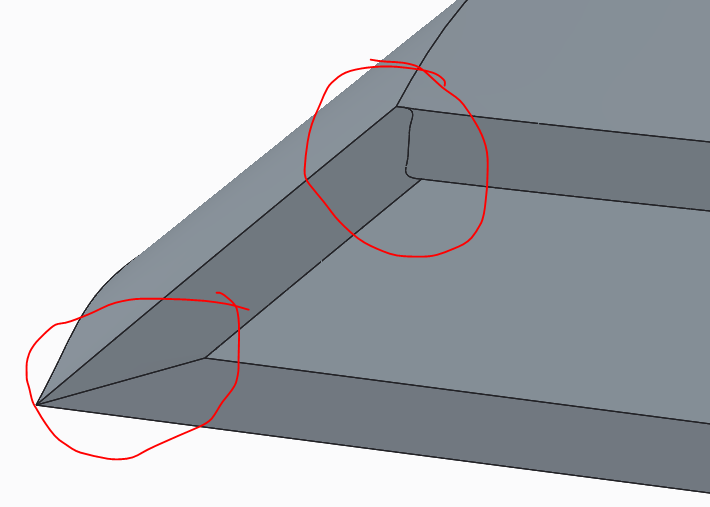
I just noticed something. The surfaces at the center of the model don't quite make it to the mirror plane.

5.PNG

If you create another datum plane slightly inside the model, cut with it (solidify), and then mirror from that plane, everything is happy.

6.PNG

I can't open your naitive model, but I think you may want to extend your surfaces past the mirror plane, and then either trim them off before thickening, or possibly trim the solid geometry after thickening.

2 replies

ghertyish1-VisitorAuthor
1-Visitor
April 8, 2014

Another view of before it was mirrored to show how it should look from the side: http://i.imgur.com/SyZzWnm.png

ghertyish1-VisitorAuthor
1-Visitor
April 8, 2014

It should also be noted that you can see through the walls from all angles: Top looking down:http://i.imgur.com/qHhQd2g.png, Bottom looking up: http://i.imgur.com/7tLUWaz.png

23-Emerald IV
April 8, 2014

I wonder if it's a graphical thing. Try saving a copy as a step file and then bringing it back in just to see what happens. Also, maybe try increase your model accuracy and see if that makes any difference.

Mahesh_Sharma
22-Sapphire I
April 8, 2014

Possibly this is due to config option shade_surface_feat, make sure the value of this option is set as yes.

ghertyish1-VisitorAuthor
1-Visitor
April 8, 2014

Where do you find that? These are the configuration settings I have: http://i.imgur.com/9O5RVkQ.png

14-Alexandrite
April 8, 2014

hit Find at the bottom.